
If you’ve ever asked “is 60 FPS enough?” or argued about whether 30 FPS is playable, you’re not alone. The question of what counts as good FPS for gaming doesn’t have a single answer — and that’s actually the interesting part.
This article breaks down what the numbers mean, where they matter most, and how to know if your current frame rate is holding you back.
Does 30 FPS Still Have a Place?
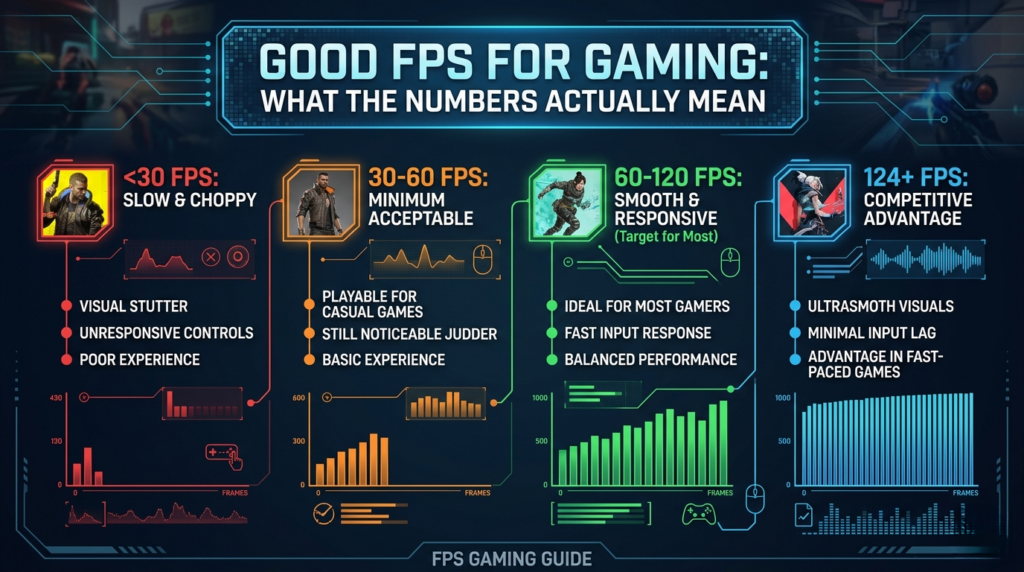
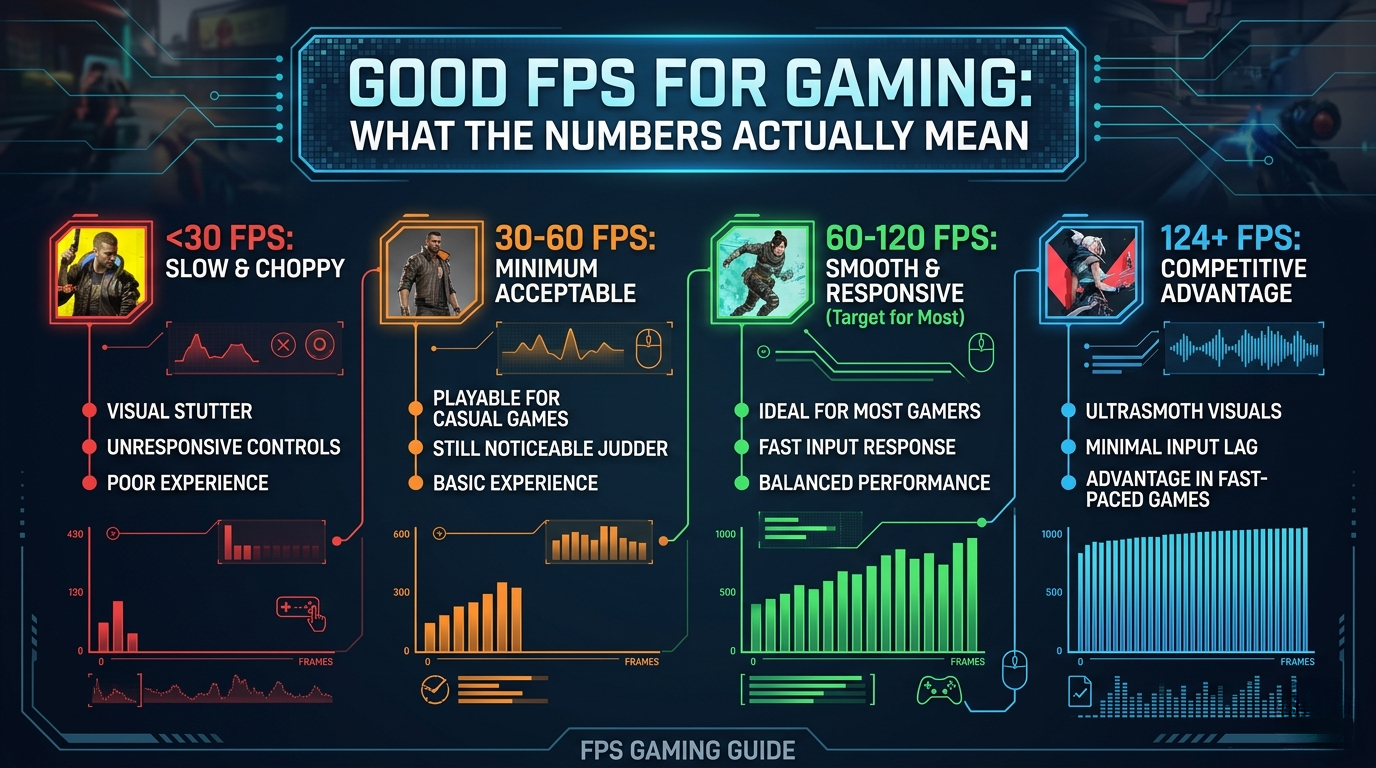
Thirty frames per second is where console gaming lived for years — and still does in some titles. At 30 FPS, motion is visible but choppy compared to higher frame rates. Most PC gamers consider it a floor, not a target.
When it’s acceptable: slow-paced single-player games, cinematic story experiences, or when you’re GPU-limited and prioritizing resolution over frame rate.
When it’s not: anything competitive, anything fast-paced, or any game where reaction time matters.
60 FPS: The Baseline That Changed Everything
For most of gaming history, 60 FPS was the gold standard. It’s smooth enough that human perception stops registering obvious choppiness, and it’s the target most game developers optimize for.
Good FPS for gaming at 60 frames per second means your hardware is delivering one frame roughly every 16.67ms. That’s tight enough for comfortable play across almost every genre.
If you’re currently below 60 FPS in the games you play, that’s the first target worth chasing. Use an FPS calculator to check what hardware upgrades would realistically get you there.
120 and 144 FPS: Where Competitive Gaming Lives
Here’s where the conversation shifts. Once you’ve played at 120 or 144 FPS on a matching monitor, going back to 60 feels noticeably worse — not just in benchmarks, but in how your mouse input registers and how enemies track on screen.
The good FPS for gaming in competitive shooters (CS2, Valorant, Apex Legends) is generally considered to be 144 FPS minimum. At this frame rate:
- Input lag drops significantly
- Motion clarity improves — enemies are easier to track mid-strafe
- Your reactions actually have a chance to match your monitor’s refresh rate
The catch: you need a monitor with at least a 144Hz refresh rate to see any benefit. A 60Hz screen caps your visible output at 60 FPS regardless of what your GPU renders.
240 FPS and Beyond: Diminishing Returns, Not Zero Returns
The jump from 60 to 144 FPS is dramatic. The jump from 144 to 240 is real but subtler — and the jump from 240 to 360 is something most people only notice under controlled test conditions.
That said, professional esports players overwhelmingly run 240Hz+ setups. The reason isn’t just smoothness — it’s consistency. Higher frame rates reduce frame time variance, which means fewer micro-stutters even when your average FPS stays the same.
For most gamers, 144 FPS is where the meaningful ceiling sits. Chasing 240+ makes sense if you’re playing competitively and have the hardware to sustain it without drops.
Frame Rate vs. Frame Time: The Number Nobody Talks About
Average FPS is easy to read but incomplete. Two setups can both average 100 FPS — one feels silky, one feels stuttery. The difference is frame time.
Frame time is how long each individual frame takes to render. If your frame times are inconsistent (some frames take 5ms, others take 25ms), the result is perceived stutter even if the average looks fine. Tools like CapFrameX or MSI Afterburner’s OSD expose this.
Good FPS for gaming isn’t just about the average — it’s about the 1% and 0.1% lows staying close to that average.
A Quick Reference
| Frame Rate | Experience | Best For |
|---|---|---|
| 30 FPS | Playable, visibly choppy | Story games, console ports |
| 60 FPS | Smooth, comfortable | Most genres, general gaming |
| 144 FPS | Noticeably sharper, responsive | Competitive, action, shooters |
| 240+ FPS | Marginal gains, low latency | Esports, pro-level play |
So What’s Actually Good for You?
The honest answer: good FPS for gaming is whatever your monitor can display, sustained without significant drops.
- 1080p/1440p 60Hz monitor → target 60+ FPS
- 144Hz monitor → target 144 FPS, treat 100 as the acceptable floor
- 240Hz monitor → target 240, but 165+ is still meaningful
If you want to know exactly what hardware would hit your target FPS in a specific game, the FPS calculator lets you plug in your GPU, CPU, and resolution to get a realistic estimate. For a deeper look at what causes frame rate drops mid-session, Digital Foundry’s analysis of frame pacing is worth reading.
The number on screen means less than how consistently it holds. Stable beats peak, every time.