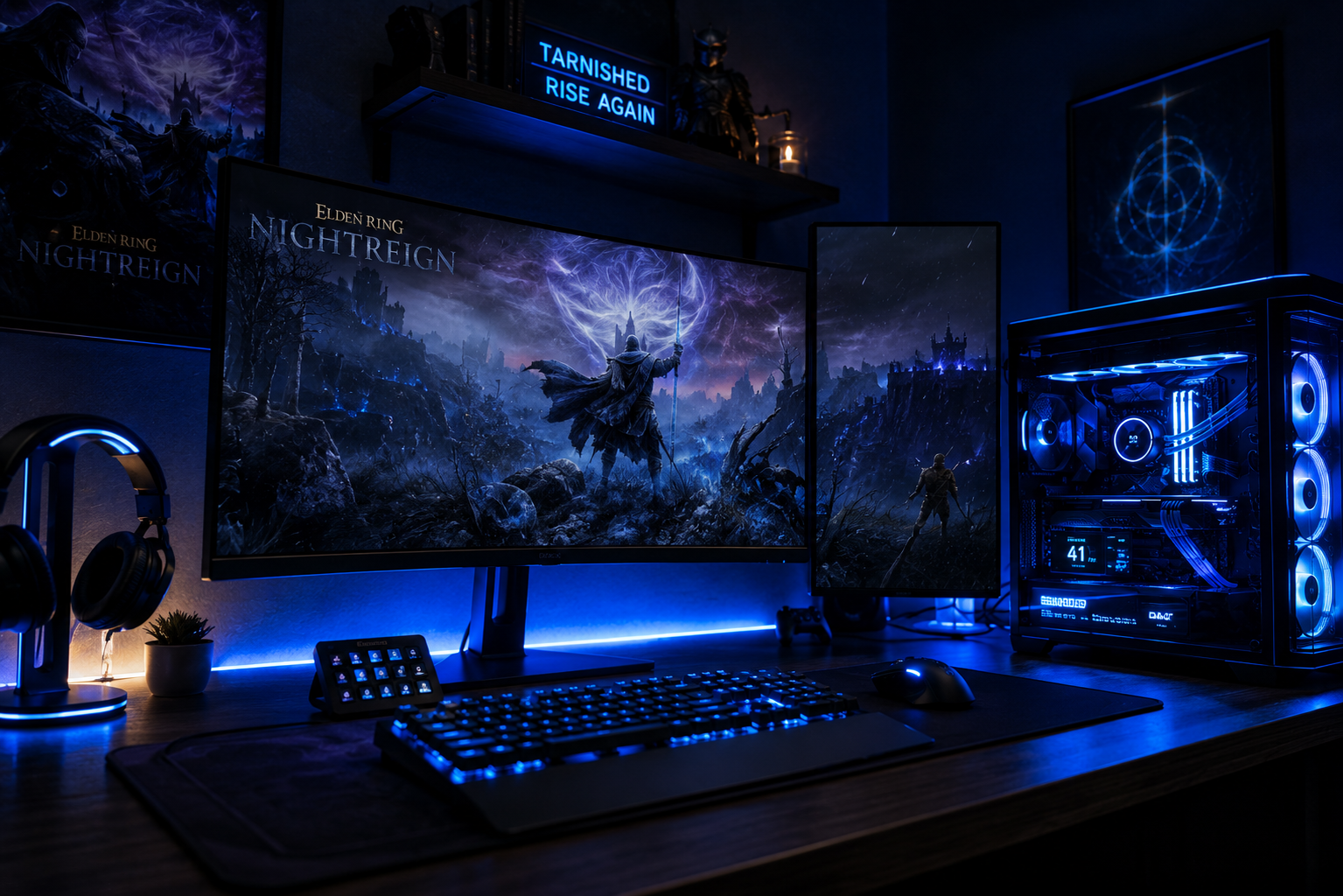

Looking for the best PC settings for Elden Ring Nightreign Season 4? The Season 4 update, released in May 2026, introduced new Nightfarers, expanded co-op encounters, and a revised lighting engine that looks stunning but can significantly impact performance. If you’re experiencing lower frame rates after the patch, these Elden Ring Nightreign Season 4 FPS settings will help you optimize performance, reduce stuttering, and regain smooth gameplay.
Why Elden Ring Nightreign Season 4 FPS Settings Matter More Than Previous Updates
Season 4 introduced volumetric fog rework, dynamic shadow cascades for the new Limveld biomes, and higher-res NPC models for the Nightfarer roster. These are GPU-heavy additions. On mid-range cards like the RTX 3060 or RX 6700 XT, uncapped frame rates dropped an average of 18-24 FPS compared to Season 3 without settings adjustments. The good news: most of that loss is recoverable through targeted tweaks.
Best PC Settings for Elden Ring Nightreign Season 4: Highest-Impact Changes First
Shadow Quality — Drop This First
Shadow Quality is the single biggest performance lever in Elden Ring Nightreign. Season 4’s dynamic shadow cascades make High and Maximum settings disproportionately expensive.
- Maximum → can cost 20-30 FPS on mid-range GPUs
- High → still expensive, roughly 12-18 FPS penalty
- Medium → sweet spot for most builds; visually acceptable
- Low → use only if GPU is below GTX 1080 / RX 580 tier
Set this to Medium before touching anything else.
Anti-Aliasing
The game uses TAA by default in Season 4, which added temporal upscaling artifacts in the new fog areas.
- TAA → default, blurry in motion, slight FPS cost
- FXAA → faster, sharper, minor quality loss — recommended for 1080p
- Off → sharpest but aliased edges; acceptable at 1440p+ with DSR
Switch to FXAA for a free 4-8 FPS at 1080p.
Texture Quality
Textures live in VRAM, not compute time. Unless you’re below 6 GB VRAM, keep this at High — lowering it won’t recover meaningful FPS on a modern GPU and will visibly degrade the new biome environments.
- 4 GB VRAM: Medium
- 6 GB VRAM: High
- 8 GB+ VRAM: Maximum
Ambient Occlusion
Set to Medium. High SSAO in Season 4’s cave environments is noticeably expensive with minimal visual return.
Depth of Field and Motion Blur
Turn both Off. These are post-process effects that cost GPU time and actively reduce clarity during combat. No performance-focused player should have these on.
Volumetric Fog Quality
This is the Season 4-specific culprit. The new Limveld fog shader is beautiful and brutal.
- High → 10-15 FPS penalty in fog-dense areas
- Medium → 5-7 FPS penalty
- Low → negligible cost; fog still renders, just less layered
Set to Low or Medium depending on your GPU.
Best PC Settings for Elden Ring Nightreign Season 4 Checklist
| Setting | Recommended Value |
|---|---|
| Shadow Quality | Medium |
| Anti-Aliasing | FXAA |
| Texture Quality | High (6 GB+ VRAM) |
| Ambient Occlusion | Medium |
| Volumetric Fog | Low |
| Depth of Field | Off |
| Motion Blur | Off |
| Lens Flare | Off |
| Grass Quality | Medium |
| Foliage Draw Distance | Medium |
Elden Ring Nightreign PC Optimization for NVIDIA and AMD GPUs
For NVIDIA Cards (GeForce Experience / NVCP)
- Low Latency Mode: Set to Ultra in NVIDIA Control Panel for your Nightreign profile. Reduces input lag in fast combat scenarios.
- Power Management Mode: Prefer Maximum Performance — prevents GPU from downclocking mid-session.
- Texture Filtering Quality: Drop from High Quality to Quality for a minor FPS gain.
- DLSS: If you’re on RTX 2060 or newer, enable DLSS Quality mode at 1440p or DLSS Balanced at 1080p for near-native image quality with 20-40% more FPS. Season 4 supports DLSS 3.7.
For AMD Cards (Radeon Software)
- Radeon Anti-Lag+: Enable in your Nightreign profile for lower input latency.
- RSR (Radeon Super Resolution): Available on RX 5000 series and newer. Set your in-game resolution to 85% and enable RSR for upscaling. Solid alternative if you don’t have FSR 3 support in-game.
- Shader Cache: Ensure it’s set to AMD Optimized — the Season 4 patch added new shader permutations that need a fresh compile on first boot.
Elden Ring Nightreign PC Optimization: Windows and System Tweaks
These take five minutes and can add 5-15 FPS depending on your system.
- Game Mode: Enable in Windows Settings → Gaming. Reduces background process interruptions.
- Hardware-accelerated GPU Scheduling (HAGS): Enable if on Windows 11 with an RTX 3000+ or RX 6000+ card. Located in Display Settings → Graphics Settings.
- Power Plan: Set to High Performance or Ultimate Performance (unlock via PowerShell:
powercfg -duplicatescheme e9a42b02-d5df-448d-aa00-03f14749eb61). - Paging File: If you have 16 GB RAM, set a manual paging file of 8192-16384 MB on your SSD. Nightreign’s Season 4 co-op sessions can exceed available RAM on 16 GB systems during busy encounters.
- Process Priority: Launch Nightreign, open Task Manager, right-click
eldenring.exe, set priority to High. Don’t set Realtime — it can destabilize audio.
Elden Ring Nightreign Season 4 FPS Settings by Hardware Tier
These numbers reflect 1080p, Medium-High settings with the optimizations above applied, based on Season 4 patch benchmarks.
Budget Tier (Pre-2021 Hardware)
- GTX 1070 / RX 580: 45-58 FPS (target 60 with Low shadows/fog)
- GTX 1080 Ti / RX 5700: 58-72 FPS (mostly stable 60)
Mid-Range Tier (2021-2023 Hardware)
- RTX 3060 Ti / RX 6700 XT: 75-90 FPS at 1080p
- RTX 3080 / RX 6800 XT: 90-110 FPS at 1080p; solid 60 at 1440p
- RTX 4060 Ti / RX 7700 XT: 95-115 FPS at 1080p
High-End Tier (2023-2025 Hardware)
- RTX 4080 / RX 7900 XTX: 130-160 FPS at 1440p; locked 60 at 4K
- RTX 5080 / RX 9070 XT: 150-185 FPS at 1440p with DLSS/FSR enabled
- RTX 5090: 4K 120+ FPS achievable on High-Maximum settings
Note: CPU matters more in co-op. Season 4’s 3-player Nightfarer sessions are CPU-bound during large encounters. If you’re bottlenecked, a Core i5-13600K or Ryzen 5 7600X is the minimum comfortable baseline for 2026.
Season 4-Specific Crash and Stutter Fixes
Some players after the Season 4 update reported micro-stutters on otherwise capable hardware. Known causes and fixes:
- Shader compilation stutter on first launch: Normal. Let the game run through the main menu for 2-3 minutes before loading your save. Subsequent sessions will be smooth.
- VRAM overflow stutters: Happens on 6 GB cards at High textures in the new Abyssal Shore biome. Drop Texture Quality to Medium in that zone specifically via the in-game menu.
- Co-op desync hitching: This is a network issue, not a GPU issue. Enable Limit Frame Rate at your monitor’s refresh rate (60 or 120 Hz) to prevent the physics engine from running ahead of the server tick.
Check your exact FPS headroom before and after these changes. The Elden Ring Nightreign FPS Calculator at fpscalculator.net lets you input your specific GPU, CPU, and resolution to get predicted frame rates for Season 4 content — including the new Abyssal Shore and co-op encounter scenarios. Use it to benchmark your expected gains before and after applying these settings.
Recommended Frame Rate Targets
Don’t just chase the highest number — match your target to your hardware and display.
- 60 FPS locked: Best for smooth combat feel; prioritize this over uncapped if your GPU fluctuates below 80 FPS.
- 90-120 FPS: Ideal for 144 Hz monitor owners; enables faster visual feedback on enemy telegraphs.
- 120+ FPS: Reserve for high-end builds; the best pc settings elden ring nightreign season 4 configurations achieve this at 1440p with the settings above and DLSS/FSR enabled.
Use the in-game frame limiter (under Display settings) rather than V-Sync — it introduces less input lag.
Final Priority Order
If you do nothing else, make these three changes right now:
- Shadow Quality → Medium
- Volumetric Fog → Low
- Anti-Aliasing → FXAA
That alone will recover 25-40 FPS on most mid-range setups affected by the Season 4 patch. From there, layer in the driver and Windows tweaks to push further. The best pc settings for Elden Ring Nightreign Season 4 aren’t about maxing everything out — they’re about knowing which knobs actually move the needle and turning only those.