
Stop the Lag: How to Reduce Stuttering in MW3 for Good
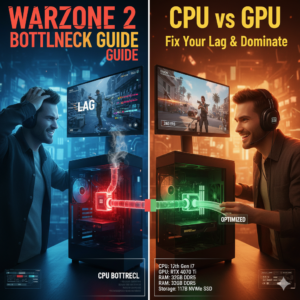
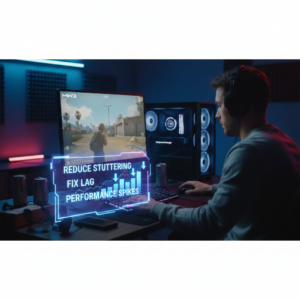
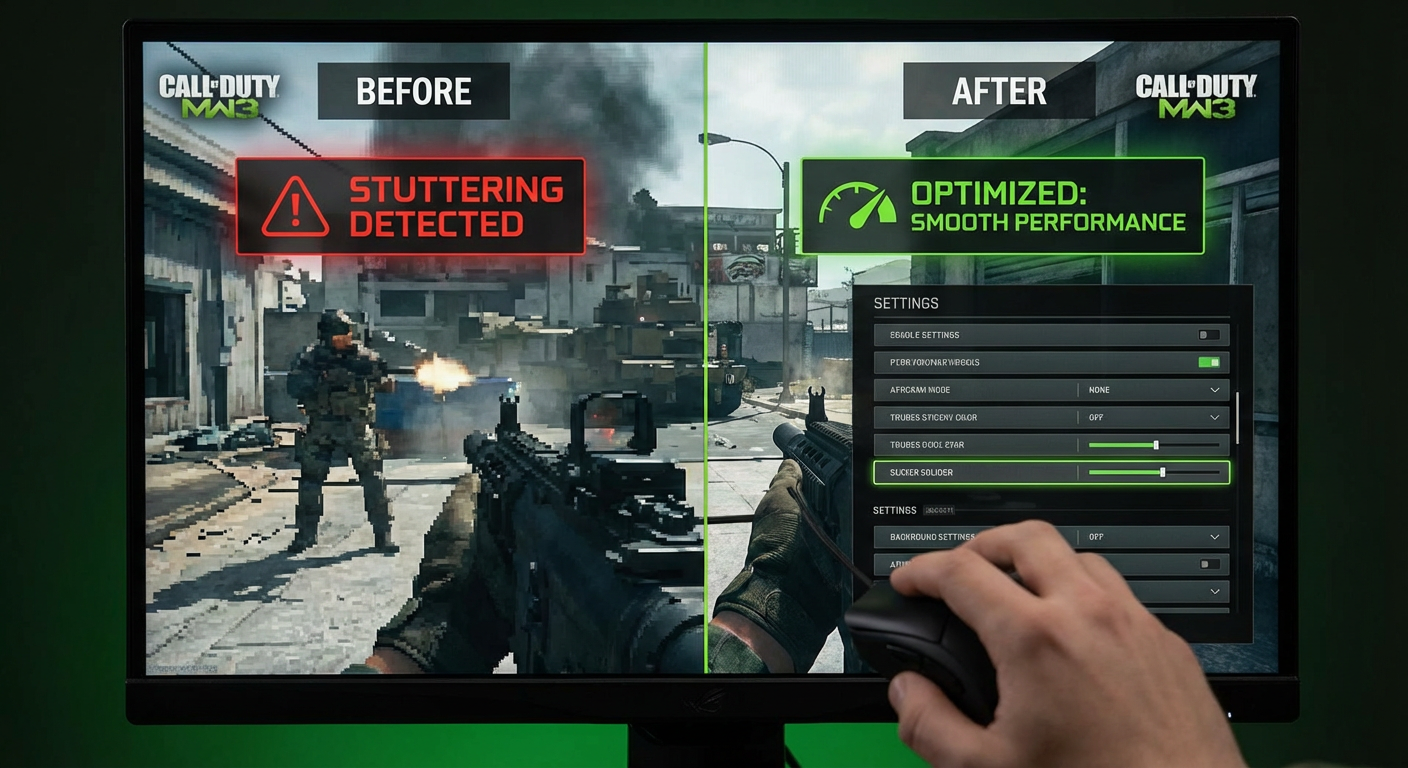
Listen up, choom. There is nothing worse than dropping a few stacks on a high-end rig, only to have Modern Warfare III turn into a slideshow the moment you slide-cancel into a corridor. Whether you are rocking an RTX 3080 or a modern beast, erratic frame times can make even the beefiest setup feel like a potato PC. If you want to know how to reduce stuttering in MW 3 and reclaim your competitive edge, you’ve come to the right place.
The Diagnosis: Why Your High-End Rig is Stuttering
Even with top-tier hardware, you might be hitting a bottleneck caused by messy software rather than raw power. Common culprits include corrupted shader files, bloated background services, or even the latest GPU driver not playing nice with the game engine. Sometimes, “crud” files left behind from previous updates interfere with how the game handles data, leading to those immersion-breaking hitches.
Update Drivers to Reduce Stuttering in MW3
First things first: check your software. Ensure your Windows updates are current and your graphics drivers are up to date. However, the “latest” isn’t always the greatest; sometimes a specific older version is recommended by developers for better stability.
If you need to swap versions, don’t just “install over” the old ones. Use the Device Manager to permanently uninstall the current driver so Windows doesn’t prematurely reinstall the old “memory” of that driver upon reboot.
Target: Stable Frame Delivery / Low Latency
Optimize Services to Reduce MW3 Lag
Your PC might be working too hard on things that aren’t the game. Use msconfig to hide all Microsoft services and disable everything you don’t absolutely need—like remote desktop tools or unrelated game launchers.
Next, hit your Task Manager and look at the Startup apps. If your system is booting up with a dozen “helpers” for peripherals you aren’t using, disable them to free up resources for the game.
Administrative Fixes to Reduce Stuttering in MW3
Giving the game the right permissions can solve many “black screen” or stuttering issues.
- Verify Integrity: Whether on Steam or Battle.net, use the “Scan and Repair” or “Verify Integrity of Game Files” tool to fix corrupted data.
- Compatibility Settings: Navigate to the
Cod.exeproperties. Check the boxes for “Disable full-screen optimizations” and “Run this program as an administrator”.
Kill the Overlays to Boost Stability
In-game overlays from Discord or Nvidia are notorious for causing micro-stutters. If you’re having major issues, I seriously recommend turning off all overlays entirely to see if your stability improves.
The “Nuclear Option”: Deep Cleaning Cache and Shaders
If the stuttering persists, a standard reinstall might not be enough because the system leaves behind Shader files and cache folders. To truly refresh the game, you must manually delete the following after uninstalling:
- The Players folder in your Documents/Call of Duty directory.
- The Nvidia DirectX cache and backend folders located in
AppData\Local\Nvidia. - Any leftover files in the Steam Library or Battle.net installation path.
Reboot your PC, then reinstall fresh to force the game to load brand-new, uncorrupted shaders.
Set System Priority to Reduce Stuttering in MW3
You can force your PC to treat the game as the top priority. While the game is running, open Task Manager, go to the Details tab, find cod.exe, and set the Priority to High. You can also check the Processor Affinity to ensure the game is utilizing all your CPU cores effectively.
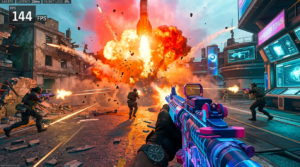
Target: 144+ FPS / 1% Low Stability
Need to see if your hardware is actually hitting the mark? Check your specific rig’s performance on our Call of Duty: Modern Warfare III Benchmarking Tool.
Summary/Verdict
Reducing stuttering in MW3 is often about system hygiene rather than buying new parts. By clearing out your shader cache, disabling unnecessary background services, and ensuring you have a clean driver installation, you can turn that stuttering mess back into a high-performance machine.