 FPS Calculator
God of War FPS Calculator
Benchmarks, requirements & compatible hardware
Check expected FPS for God of War on your PC. Test different combinations of CPU, GPU and settings.
See expected FPS for your setup
Select your PC components and settings to get started.
Accurate Benchmarks
Real Hardware Data
Bottleneck Analysis
Best Settings Included
1,245+ calculations this month
Based on 1,200+ verified benchmarks
What will you get after calculating?
Unlock detailed performance insights and optimization tips.
FPS Estimate
Best Settings
Bottleneck Analysis
Upgrade Suggestions
🎮 Stay Updated on God of War
We publish optimization guides, graphics settings updates, FPS fixes, benchmark updates, and patch-performance reports.
Best GPUs for God of War
Click any GPU for a full God of War benchmark — FPS, settings context, and comparisons (opens in a new tab).
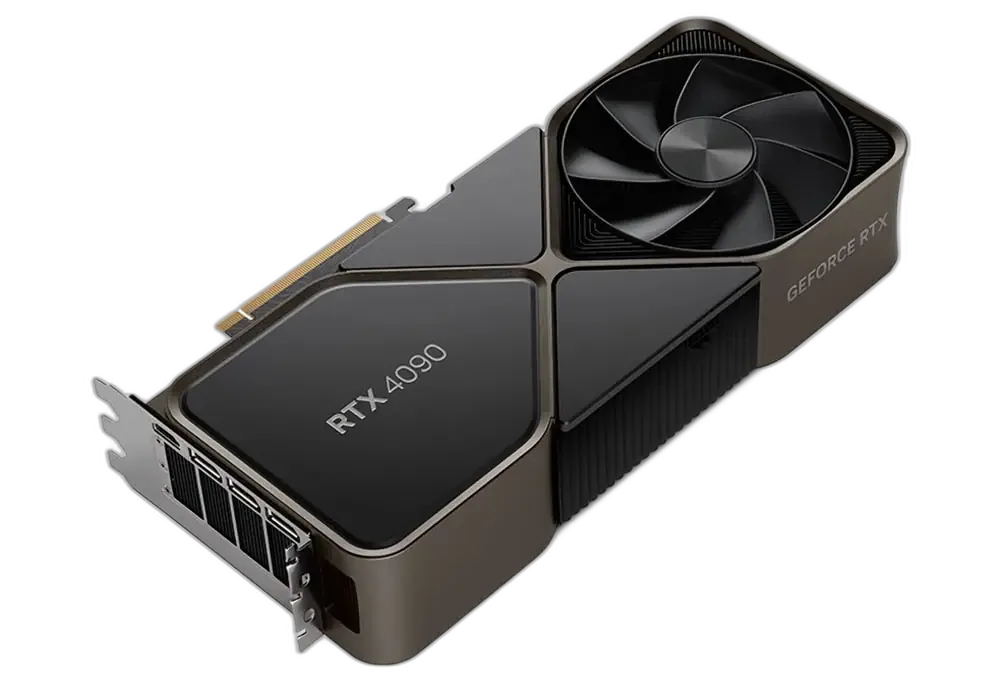
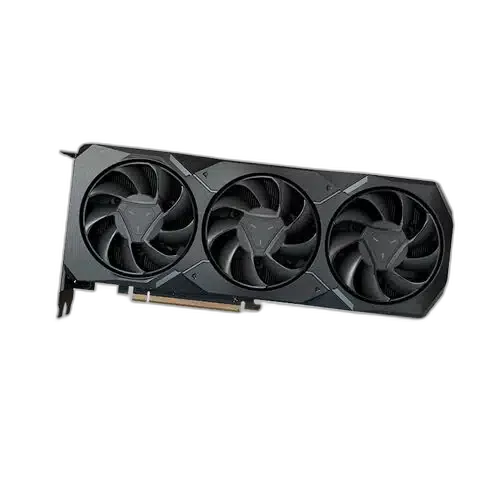
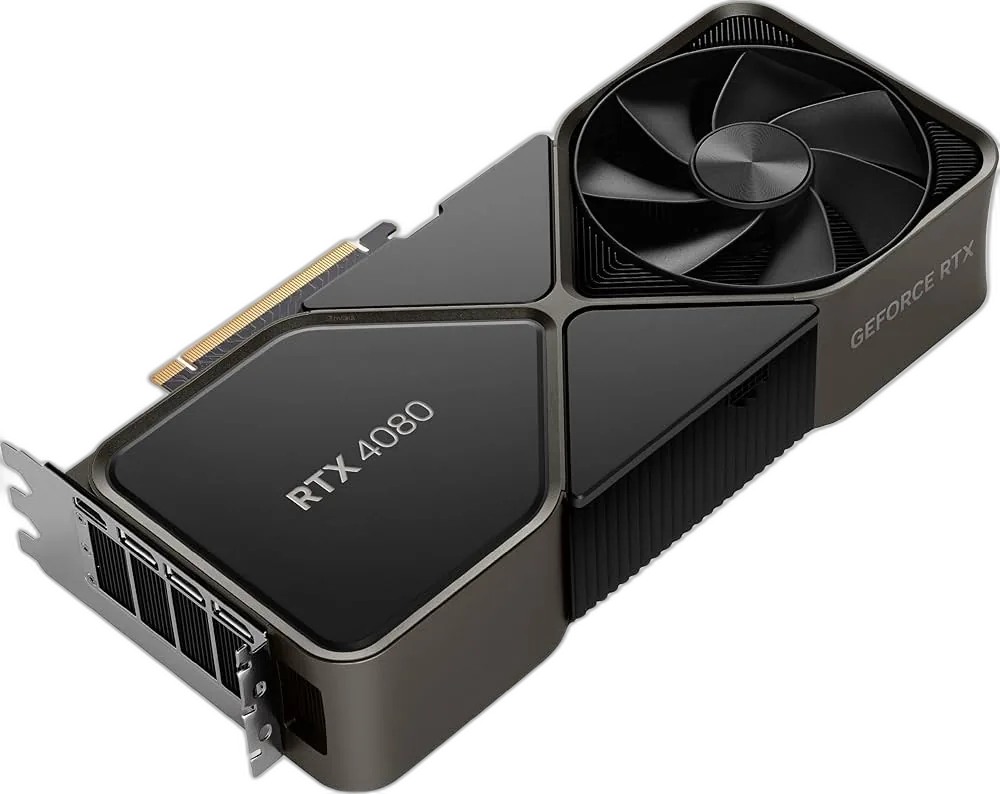
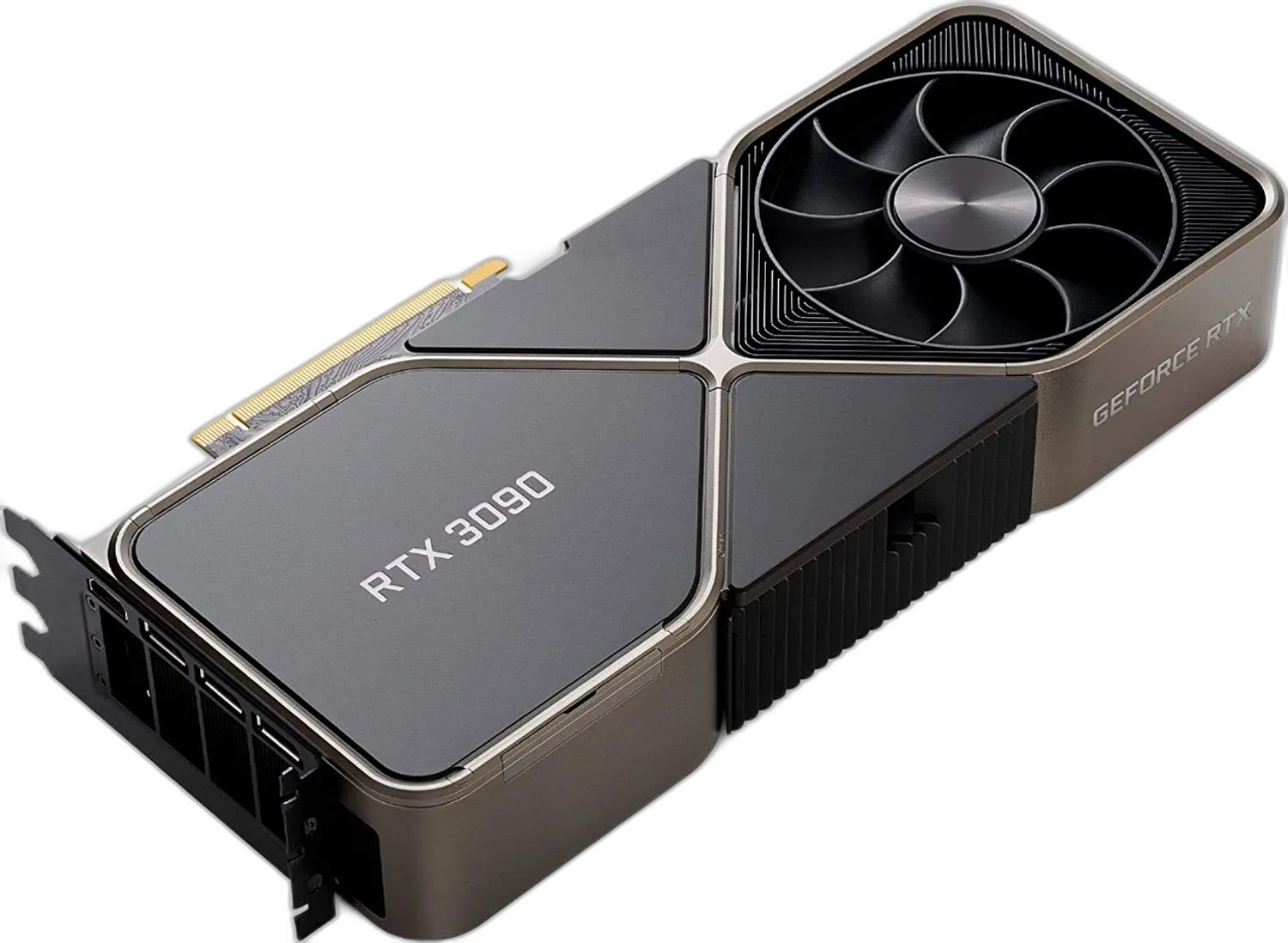
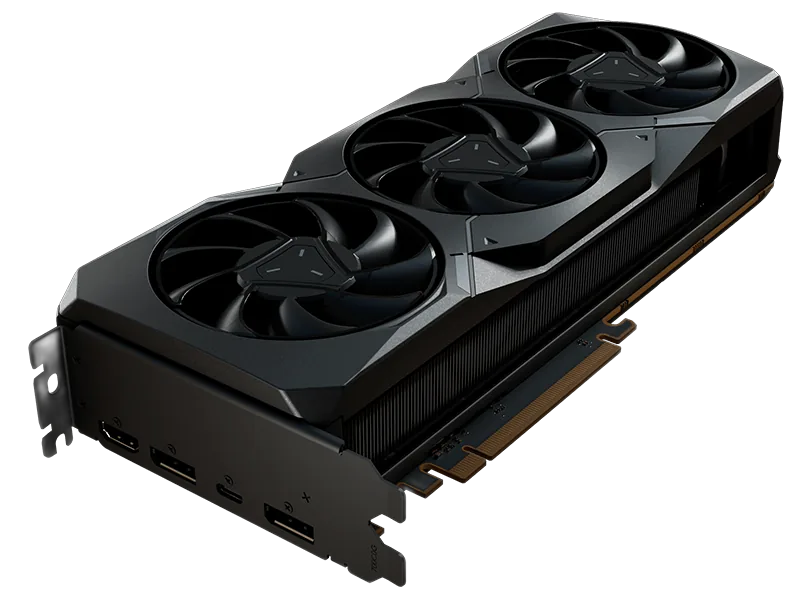
FPS at 1080p High Settings
Best CPUs for God of War
These CPUs are ranked for God of War — meet or beat the recommended tier for steadier frametimes when the game hits the processor.
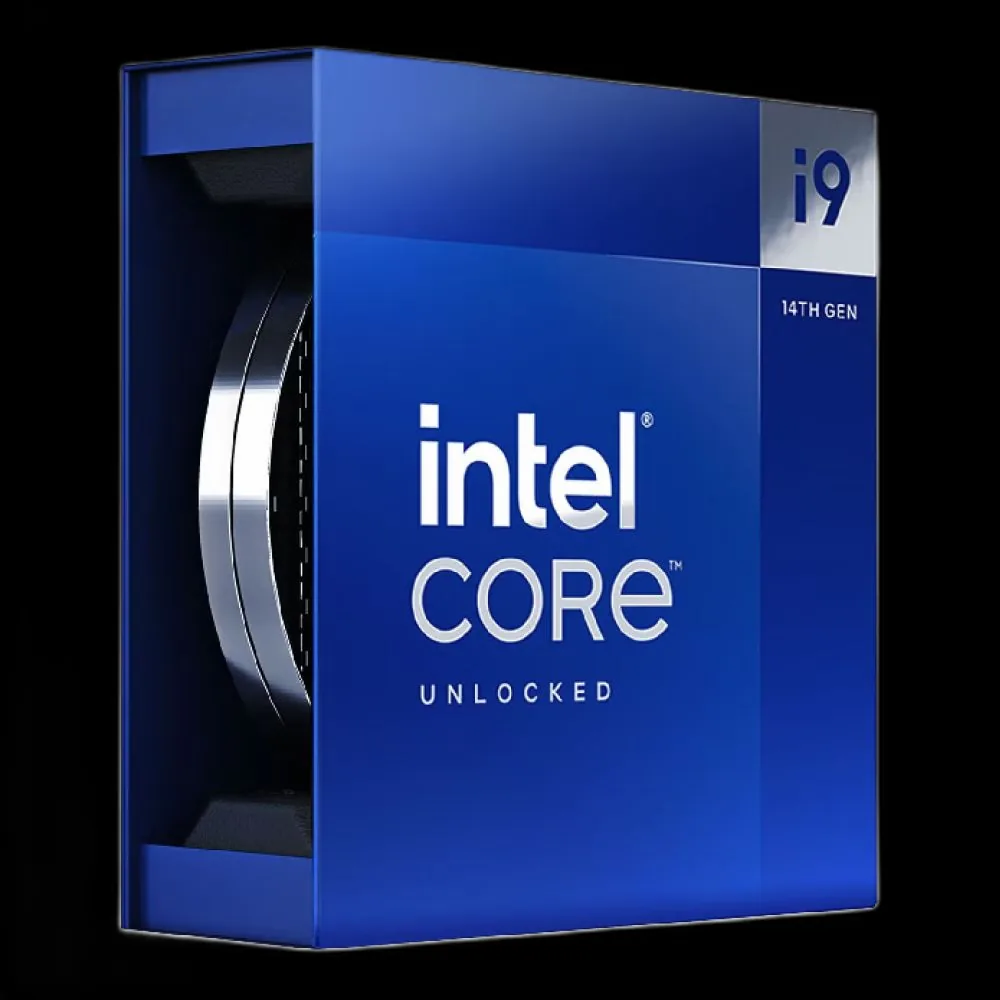
INTEL
Intel Core i9-14900K
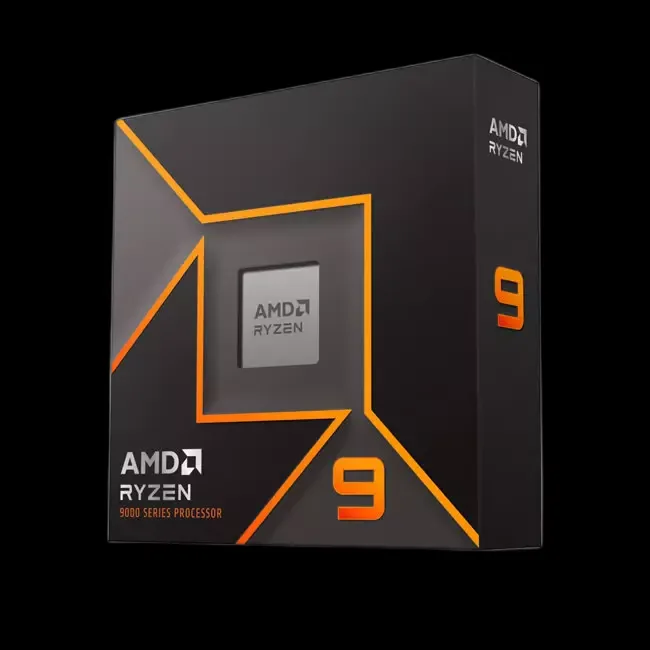
AMD
AMD Ryzen 9 7950X
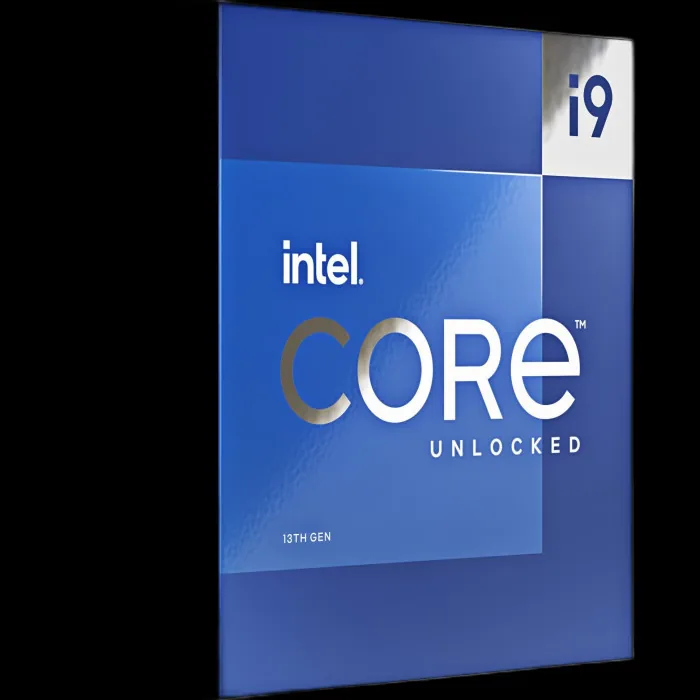
INTEL
Intel Core i9-13900K
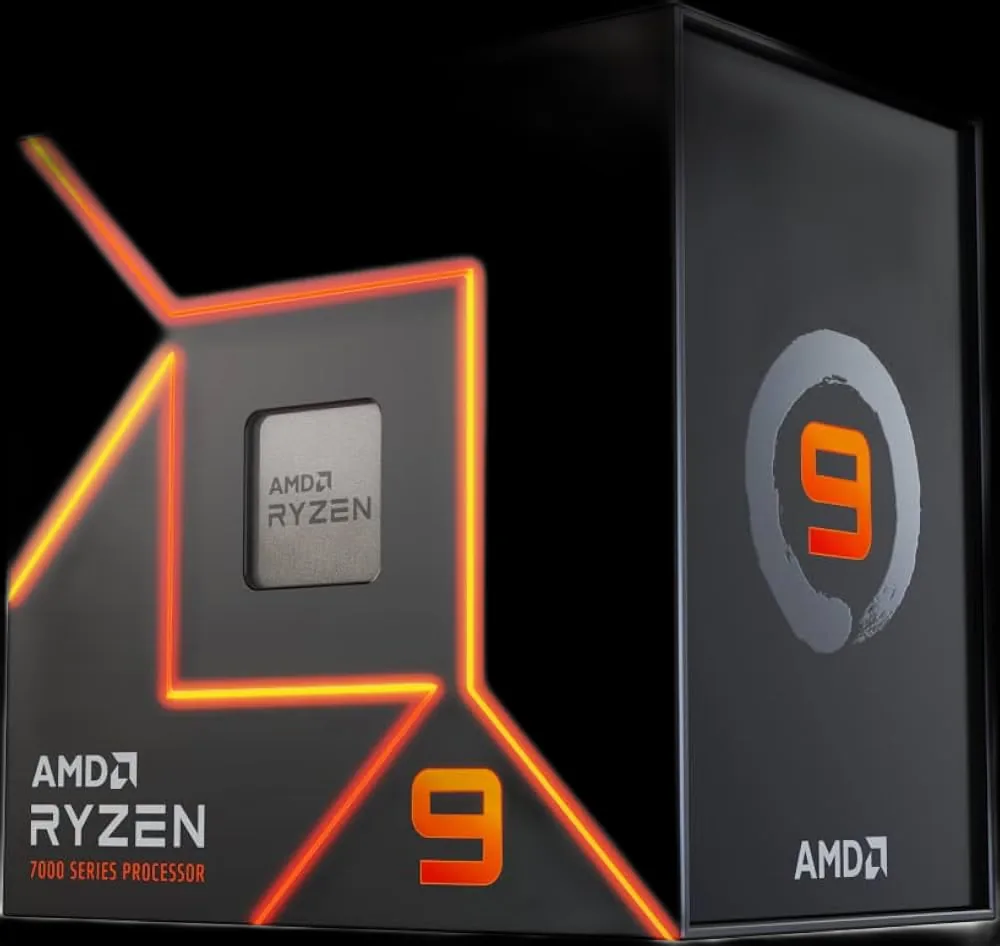
AMD
AMD Ryzen 9 7900X
Ranked by CPU performance score for this title
About God of War
God of War brings Kratos to the Norse realms, showcasing incredible cinematic combat, stunning snowscapes, and deeply detailed character models. To meet the minimum system demands, your PC should have a NVIDIA GTX 960 (4 GB) or AM...
Genre
Action-adventure
Developer
Santa Monica Studio
Game Mode
Single-player
Publisher
PlayStation PC LLC
System Requirements
Official store listingMinimum
OS
Windows 10 64-bit
CPU
Intel i5-2500k (4 core 3.3 GHz) or AMD Ryzen 3 1200 (4 core 3.1 GHz)
RAM
8 GB RAM
GPU
NVIDIA GTX 960 (4 GB) or AMD R9 290X (4 GB)
Storage
70 GB available space
Recommended
OS
Windows 10 64-bit
CPU
Intel i5-6600k (4 core 3.5 GHz) or AMD Ryzen 5 2400 G (4 core 3.6 GHz)
RAM
8 GB RAM
GPU
NVIDIA GTX 1060 (6 GB) or AMD RX 570 (4 GB)
Storage
70 GB available space





Frequently Asked Questions
God of War brings Kratos to the Norse realms, showcasing incredible cinematic combat, stunning snowscapes, and deeply detailed character models. Running God of War requires a CPU score of at least 62 and a GPU score of at least 58. The game scales well across a wide range of hardware — minimum-spec machines can hit a playable frame rate at reduced settings, while recommended hardware (CPU 78, GPU 76) targets 85 FPS at 1080p. Use the FPS calculator to test your specific CPU and GPU combination at 1080p, 1440p, or 4K.
The minimum PC requirements for God of War are: CPU — Intel i5-2500k (4 core 3.3 GHz) or AMD Ryzen 3 1200 (4 core 3.1 GHz); GPU — NVIDIA GTX 960 (4 GB) or AMD R9 290X (4 GB); RAM — 8 GB RAM; Storage — 70 GB available space; OS — Windows 10 64-bit. Hardware at this tier can run the game at low graphics settings, typically achieving around 30 FPS at 1080p. Performance may feel inconsistent during CPU-heavy or GPU-heavy sequences. Using an SSD instead of a hard drive and keeping background applications closed can meaningfully reduce stuttering even without a GPU upgrade.
The recommended PC requirements for God of War are: CPU — Intel i5-6600k (4 core 3.5 GHz) or AMD Ryzen 5 2400 G (4 core 3.6 GHz); GPU — NVIDIA GTX 1060 (6 GB) or AMD RX 570 (4 GB); RAM — 8 GB RAM; Storage — 70 GB available space. This hardware tier is tuned for around 85 FPS at 1080p on high graphics settings. Moving to 1440p at the same quality requires a GPU score meaningfully above 76. Use the FPS calculator to identify which specific CPU and GPU combinations hit your target frame rate at each resolution.
On hardware meeting God of War's recommended specifications, expect around 85 FPS at 1080p on high settings. Minimum-spec hardware typically lands in the 30–45 FPS range on low-to-medium presets at the same resolution. Moving to 1440p reduces the frame rate by roughly 25–35%, and 4K roughly halves 1080p performance. Frame time consistency matters as much as the average: capping near your monitor's refresh rate can smooth out dips. Enter your components in our FPS calculator for a tailored projection including per-resolution estimates.
At 1080p, God of War needs a GPU with a minimum score of 58 — the equivalent of NVIDIA GTX 960 (4 GB) or AMD R9 290X (4 GB). For smooth, consistent performance at 1080p on high settings, target the recommended score of 76 (NVIDIA GTX 1060 (6 GB) or AMD RX 570 (4 GB)). Scaling to 1440p typically calls for a GPU scoring around 99, and 4K demands significantly more headroom. GPU performance score is derived from multi-game benchmark data and allows direct comparison across NVIDIA, AMD, and Intel Arc cards. Use the FPS calculator to match any GPU in our database against God of War's requirements.
God of War is primarily GPU-bound for raw frame rate output, but a CPU below the minimum score of 62 can create a bottleneck in complex scenes. The recommended CPU score of 78 (Intel i5-6600k (4 core 3.5 GHz) or AMD Ryzen 5 2400 G (4 core 3.6 GHz)) is calibrated to keep the processor from limiting GPU utilisation. If your GPU significantly exceeds the recommended score while your CPU sits near the minimum, you may notice inconsistent frame times during busy sequences. Our FPS calculator models CPU-GPU pairing and surfaces bottleneck warnings when components are significantly mismatched.
Questions about hardware? Browse all games →
Latest God of War News & Guides
View all newsAccurate & Reliable
Real hardware benchmarks
100% Free
No sign up required
Updated Daily
Latest drivers & patches
Trusted By Gamers
Loved by 1M+ users