 FPS Calculator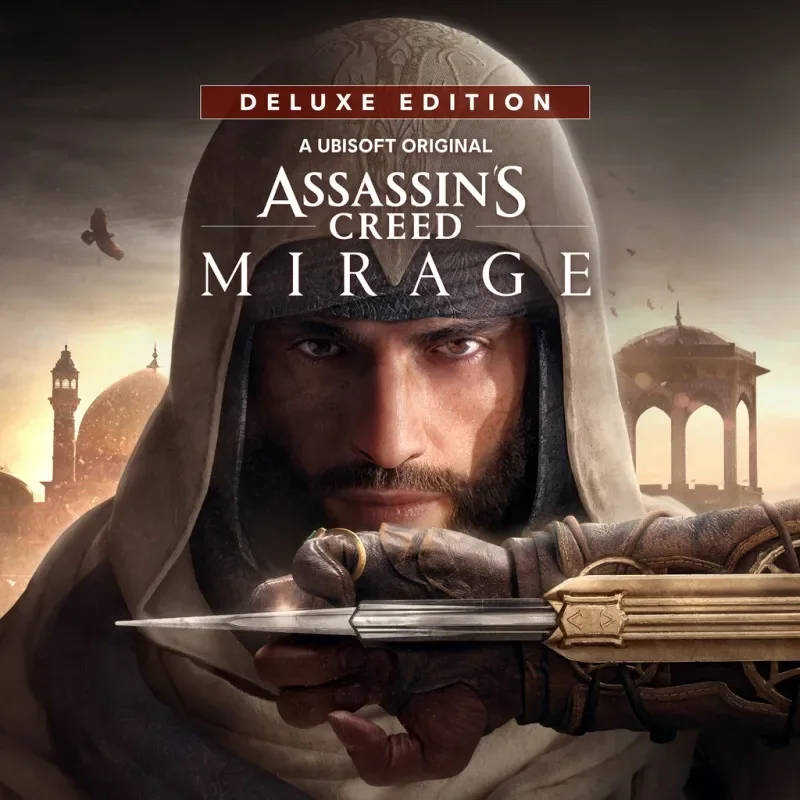
Can I Run Assassin's Creed Mirage on RTX 3070?
Assassin's Creed Mirage FPS Benchmark and Performance Analysis
Assassin's Creed Mirage is playable on NVIDIA RTX 3070. Expect roughly 61 FPS at 1080p high — smooth for most players. Assassin's Creed Mirage can behave very differently depending on settings and GPU headroom. This estimate shows where NVIDIA RTX 3070 lands and how to tune it for smoother gameplay.
Assassin's Creed Mirage FPS Benchmarks on RTX 3070
| Resolution | Settings Preset | Avg FPS | 1% Low FPS | Verdict |
|---|---|---|---|---|
| 1080p | Competitive (Low) | 76 FPS | 51 FPS | Good |
| 1080p | High | 61 FPS | 41 FPS | Playable |
| 1440p | High | 41 FPS | 26 FPS | Low |
| 1440p | Ultra | 31 FPS | 20 FPS | Low |
| 4K | High | 21 FPS | 15 FPS | Low |
Benchmarks are estimated by our performance engine. Actual results may vary.
Best Settings for Assassin's Creed Mirage on RTX 3070
- Display Mode
- Fullscreen
- Resolution
- 1920×1080
- V-Sync
- Disabled
- Texture Quality
- Medium
- Shadow Quality
- Medium
- Anti-Aliasing
- FXAA
- Effects Quality
- Medium
- Post-Processing
- Medium
- Ambient Occlusion
- Disabled
Performance Analysis
At 1080p high, our model places NVIDIA RTX 3070 near 61 FPS in Assassin's Creed Mirage. At 1440p, that typically translates to around 41 FPS with similar quality targets. This places the card in the high tier for this title, with a playable experience profile. NVIDIA RTX 3070 can run Assassin's Creed Mirage reliably, but smart setting choices matter for consistency.
Assassin's Creed Mirage brings the series back to its roots with dense urban environments and parkour mechanics in incredibly detailed 9th-century Baghdad. To meet the minimum system demands, your PC should have a Intel Arc A380 (6 GB), NVIDIA GeForce GTX 1060 (6 GB), AMD Radeon RX 570 (4 GB). For optimal performance and smooth rendering, it’s recommended to play with a Intel Arc A750 (8 GB), NVIDIA GeForce GTX 1660 Ti (6 GB), AMD Radeon RX 5600 XT (6 GB).
NVIDIA RTX 3070 supports DLSS 3 Super Resolution. Enabling DLSS Quality mode in Assassin's Creed Mirage can recover 20–35% frame rate with minimal visual difference, which is especially useful if you're targeting 60+ FPS at 1440p.
- Use a medium/high mix and prioritize stable frame times over peak FPS spikes.
- Use selective ray tracing (shadows/reflections) and avoid ultra RT presets.
- Prioritize texture quality and reduce volumetrics/shadows first
NVIDIA RTX 3070 lands in a playable position for Assassin's Creed Mirage. Dialing in the right preset makes a noticeable difference at this performance level.
Frequently Asked Questions
- Is Assassin's Creed Mirage well optimized on PC?
- Assassin's Creed Mirage is one of the better-optimized entries in the modern Ubisoft lineup. Built on the AnvilNext 2.0 engine with lessons from Valhalla and Odyssey, it scales smoothly from low-end to high-end hardware. The game does not feature ray tracing, which keeps GPU requirements modest compared to contemporaries. CPU requirements are manageable — the dense Baghdad streets can stress mid-range processors, but a CPU meeting the recommended score of 80 handles the parkour and crowd simulation without notable bottlenecks. Denuvo anti-tamper is present and causes a minor, measurable overhead primarily felt on older CPUs near the minimum threshold.
- What are the best graphics settings to boost FPS in Assassin's Creed Mirage?
- Crowds and Environment Detail are the highest-impact settings in Mirage's dense Baghdad environments. Lowering Crowds from Very High to High can recover 8–12 FPS in the most packed souk and bazaar districts. Ambient Occlusion and Shadow Quality together account for another 5–10 FPS drop at maximum — SSAO is a reasonable quality/performance balance. There is no ray tracing to disable, so the path to higher frame rates runs through shadow resolution, anti-aliasing (TAA vs SMAA), and crowd density. The game also responds well to resolution scaling via FSR or DLSS if your GPU is slightly below the recommended tier.