 FPS Calculator
ACCURATE • UPDATED JUL 2026 • FREE • NO SIGNUP
Free FPS Calculator for Any Game
Use this free FPS calculator — select your game, CPU, and GPU below for an instant estimate powered by real hardware benchmarks. No signup, results in seconds.
- 1700+ FPS Estimates
- 48+ CPUs & GPUs
- 1080p, 1440p & 4K
- Updated Jul 2026
No signup required • 100% Free • Instant Results

Why Use Our FPS Calculator
Real Hardware Benchmarks
Scores from aggregated benchmark data
Bottleneck Analysis
Find out what's holding performance back
Best Settings
Get optimal settings for maximum FPS
Upgrade Suggestions
Personalized recommendations
Always Updated
Game data updated as new titles launch
How Our FPS Calculator Works
1. Enter your hardware
Pick your CPU, GPU, RAM, resolution, graphics preset, and refresh rate — or use auto-detect to fill specs from your browser.
2. Match against real benchmarks
We score your components using aggregated benchmark data and compare them to each game's performance requirements.
3. Get instant FPS estimates
See projected frame rates before you buy, upgrade, or change settings. Open a game page for full 1080p, 1440p, and 4K breakdowns.
Projections combine normalized CPU/GPU performance scores with each game's requirements — estimates, not guaranteed in-game FPS. See FAQs for accuracy limits.
What FPS Should You Target?
| Target | Experience | Best for |
|---|---|---|
| 30 FPS | Minimum playable | Slow-paced / story games |
| 60 FPS | Smooth standard | Most single-player & AAA titles |
| 120–144 FPS | High refresh | Competitive shooters & esports |
| 240+ FPS | Pro / elite tier | 240Hz+ monitors, ranked play |
Estimates are typically within 10–15% of real-world performance. Stable 1% low FPS matters as much as averages for smooth gameplay — check per-game results after you calculate.
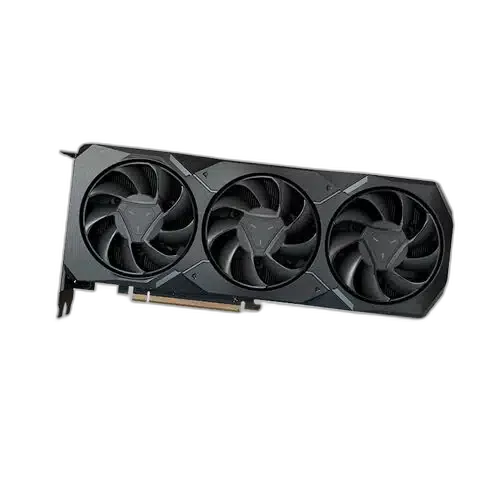
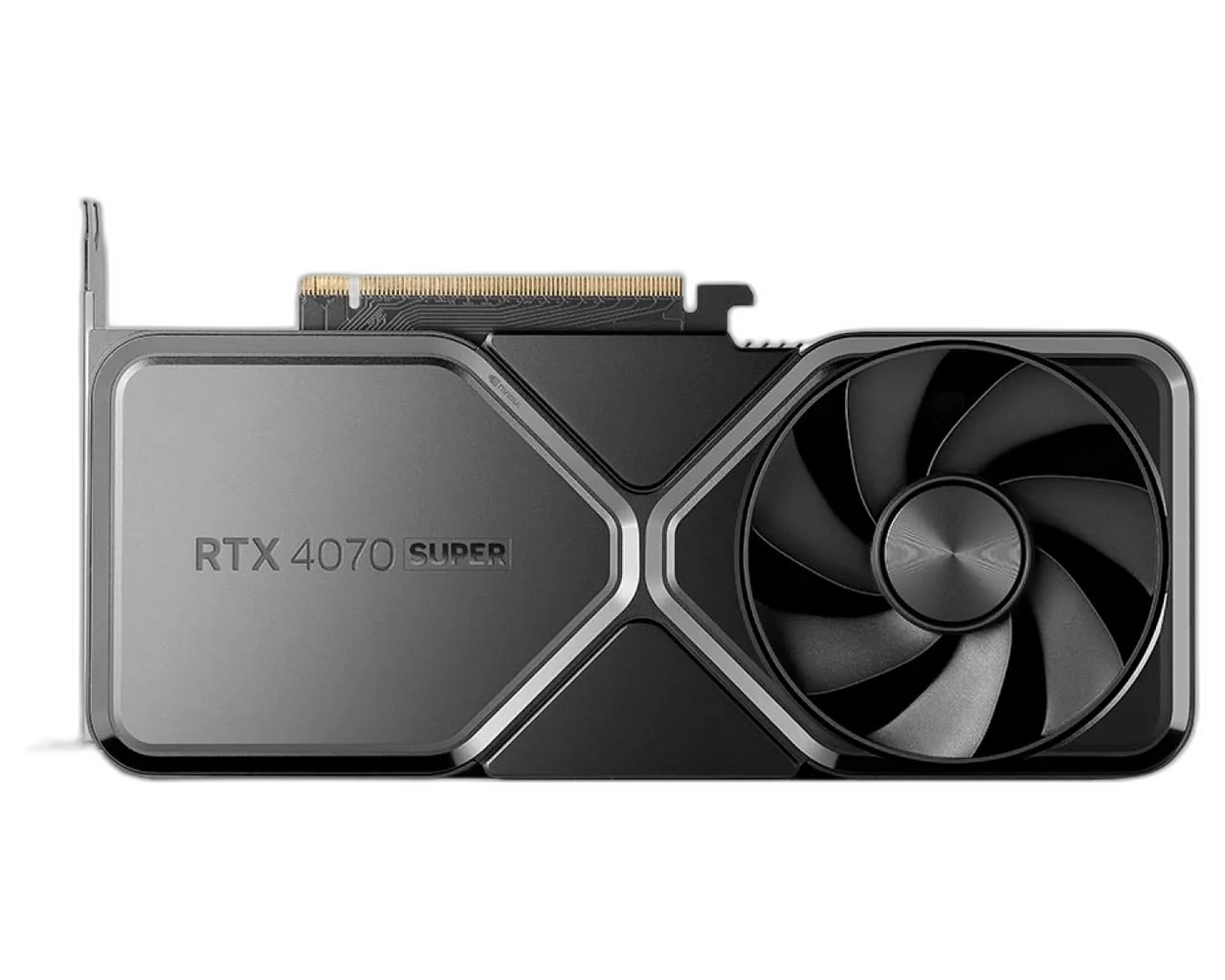
Best GPUs for 1440p Ultra
View all GPUs →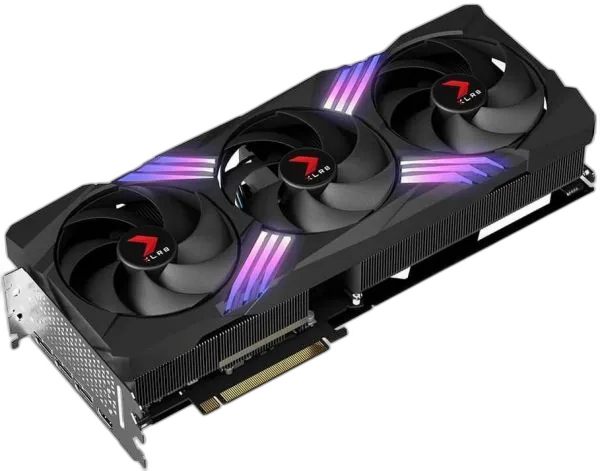
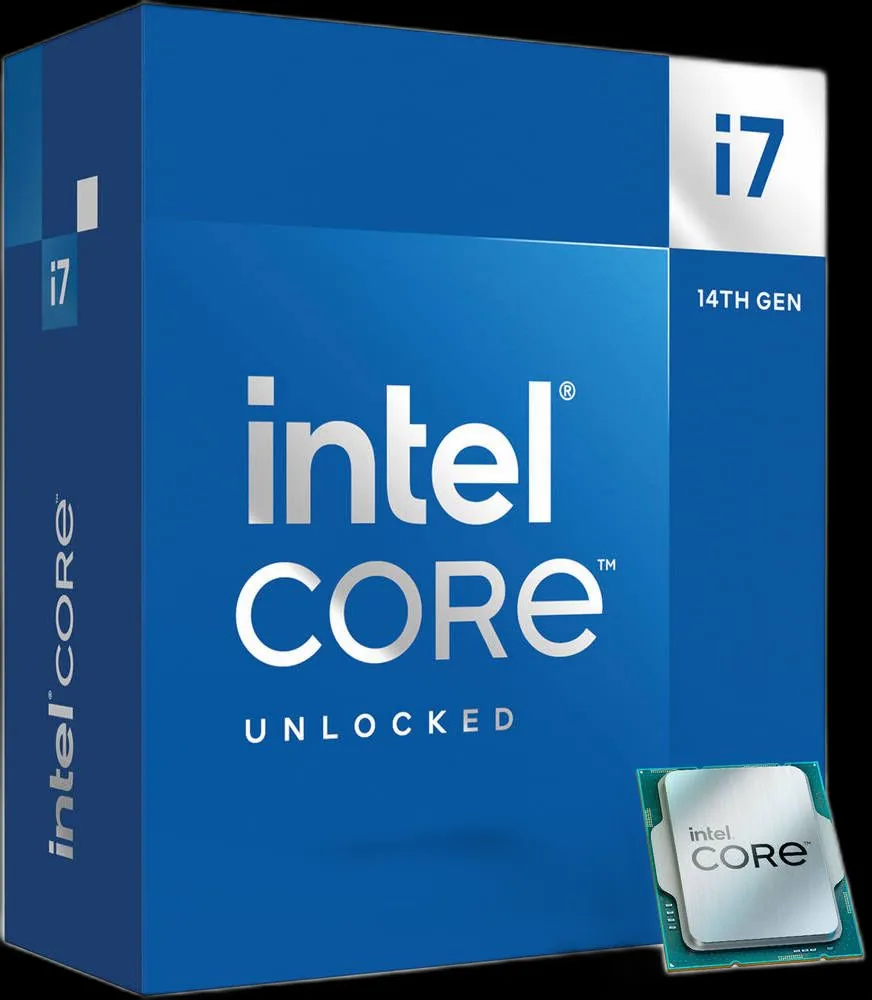
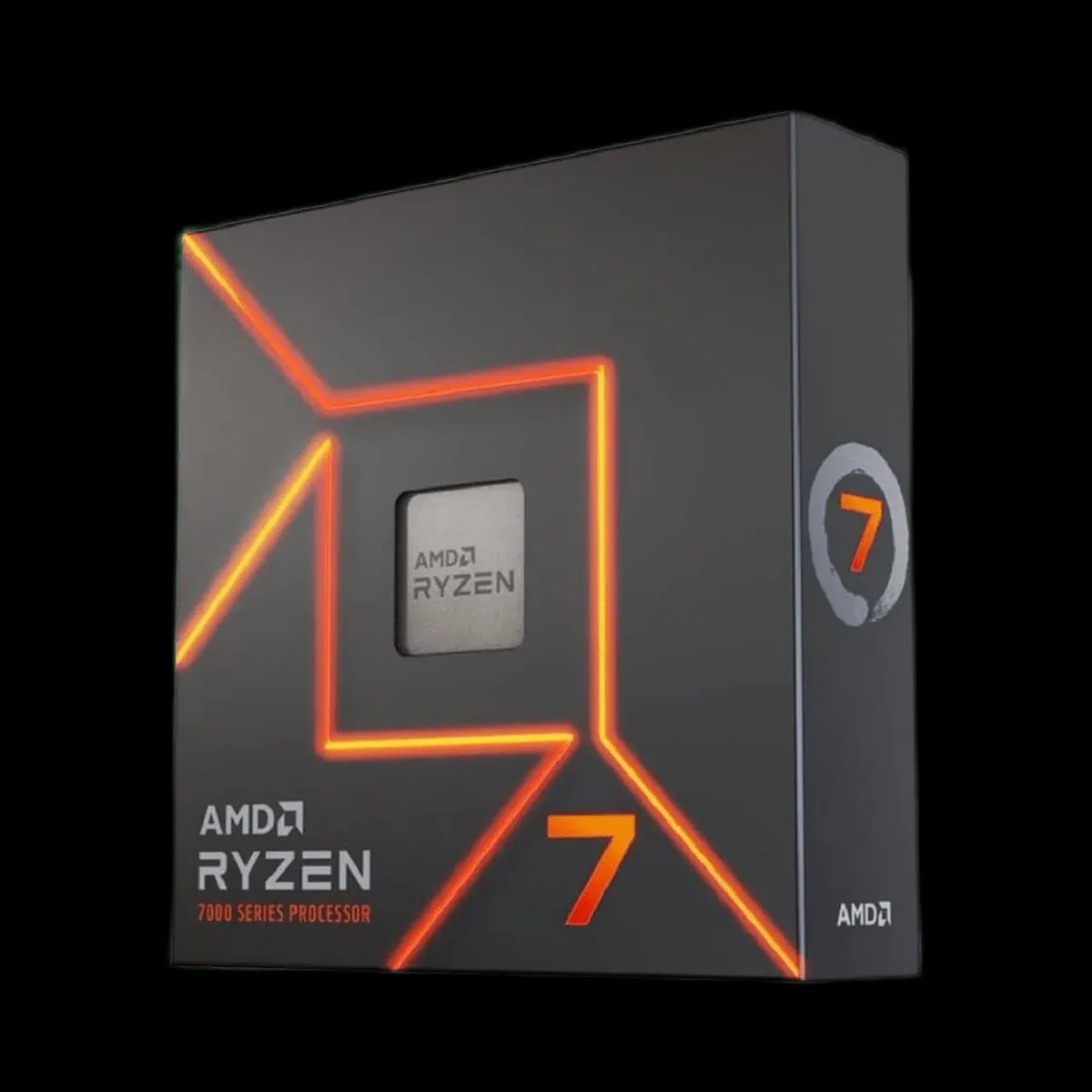
Best CPUs for Gaming
View all CPUs →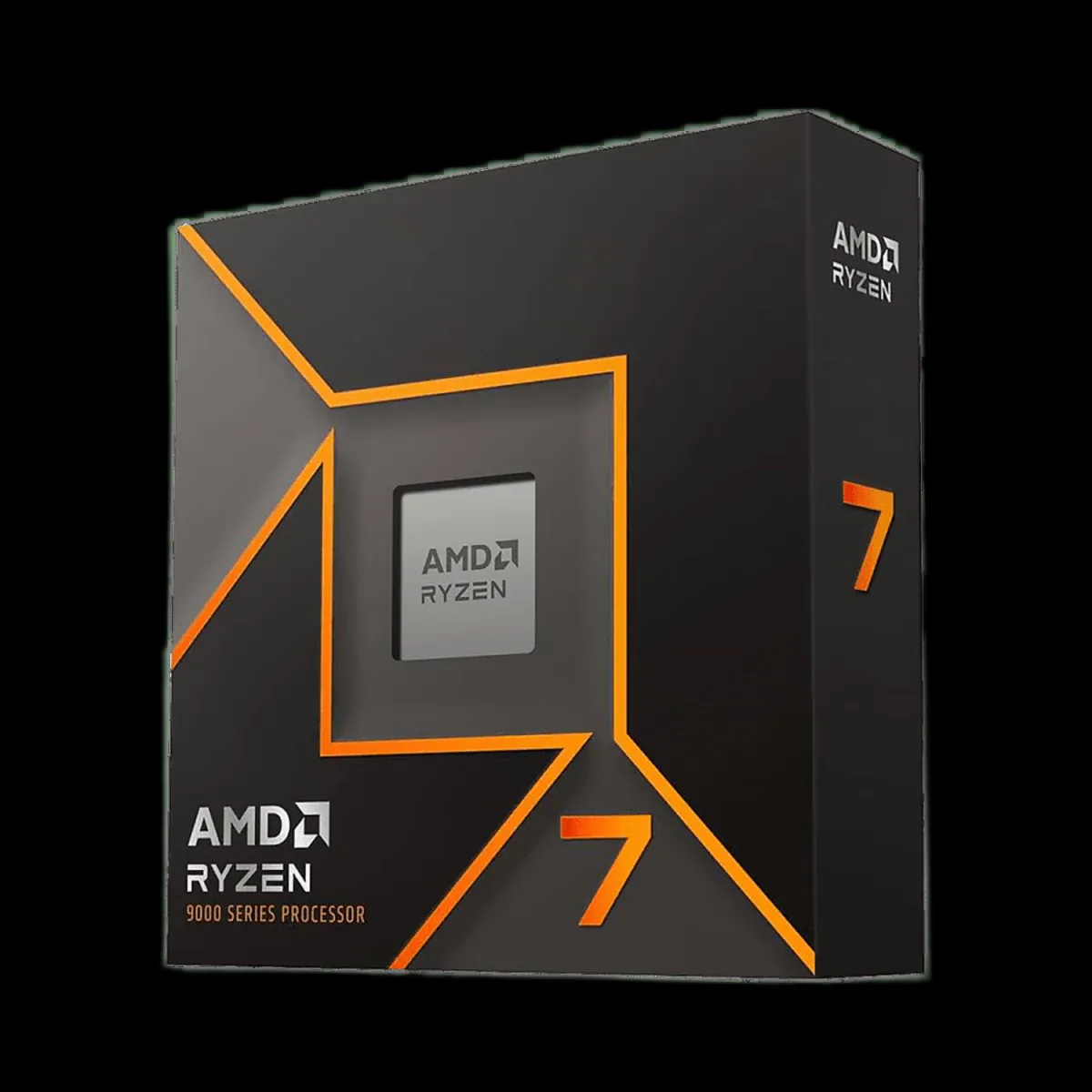

About FPS Calculator
Our FPS calculator provides accurate frame-rate estimates for popular PC titles across 48+ CPUs and GPUs using real hardware benchmarks (data refreshed Jul 2026). Whether you're planning an upgrade or optimizing your current setup, we help you make the right decisions for the best gaming experience.
Browse All Games
📢 FPS updates on Telegram
Benchmarks, patch fixes & best settings — free
Latest Guides & News
Frequently Asked Questions
An FPS calculator is a tool that estimates the frames per second (FPS) your computer can achieve in a specific game. FPS measures how many image frames your hardware renders each second — higher FPS means smoother, more responsive gameplay. Our calculator analyzes your CPU and GPU by comparing their performance scores against a database of benchmarks, then cross-references those scores with each game's minimum and recommended requirements. It supports popular PC titles across genres, from open-world RPGs to competitive shooters. The result is a personalized FPS estimate at your chosen resolution and quality settings, typically accurate to within 10–15% of real-world performance.
Our FPS test works by analyzing your full hardware configuration — processor model, graphics card, RAM amount, target resolution, and graphics quality preset. Each CPU and GPU in our database carries a performance score derived from aggregated benchmark data and real-world testing. We compare your hardware scores to the performance thresholds required by each game at different quality settings. The calculator then applies resolution scaling factors to project your expected frame rate. This approach lets you test dozens of game-hardware combinations in seconds without installing anything, giving you actionable data to decide whether to upgrade or adjust in-game settings.
Variable frame rate refers to the phenomenon where your FPS fluctuates up and down during gameplay rather than staying at a constant value. It typically occurs when demanding scenes — large crowds, complex lighting, explosions — push your hardware close to or beyond its limits. Technologies like NVIDIA G-Sync and AMD FreeSync synchronize your monitor's refresh rate to your GPU's output to reduce the visual tearing and stutter caused by variable FPS. Our calculator indicates whether your hardware can sustain a stable frame rate target or whether you are likely to experience noticeable fluctuations under load, helping you choose the right settings before you play.
Resolution directly determines how many pixels your GPU must render per frame. At 1080p (1920×1080) your GPU processes roughly 2 million pixels per frame, while 4K (3840×2160) requires about 8.3 million — four times the workload. This means moving from 1080p to 4K can cut your FPS in half or more on the same hardware. 1440p offers a middle ground between visual fidelity and performance. Our FPS calculator accounts for these resolution scaling factors and shows you separate FPS estimates for 1080p, 1440p, and 4K so you can find the sweet spot between image quality and smooth frame rates for your specific GPU.
Our FPS calculator provides estimates grounded in hardware benchmark databases and aggregated real-world testing data from thousands of PC configurations. Predictions are generally within 10–15% of actual measured frame rates. Accuracy can vary based on factors outside our model: GPU driver versions, background system processes, in-game settings that differ from our presets, game engine optimizations, and thermal throttling on laptops or poorly cooled desktops. We continuously update our hardware database and scoring models to reflect new drivers and game patches. For the most reliable estimate, ensure you select the resolution and quality preset that matches your intended in-game settings.
A bottleneck happens when one part of your PC limits overall frame rate — usually the GPU in graphically heavy games, or the CPU in simulation-heavy or competitive titles. If your GPU is maxed out while the CPU has headroom, upgrading the graphics card helps most. If the CPU is at high usage and the GPU is not, a faster processor or RAM upgrade may matter more. Our per-game FPS calculator highlights mismatched CPU and GPU pairings so you can see which component is more likely to cap your FPS before you spend on upgrades.
The right FPS target depends on your game type and monitor. 30 FPS is the minimum threshold considered playable for single-player story games, though motion can feel noticeably choppy. 60 FPS is the widely accepted standard for smooth, responsive gameplay across all genres. 120 FPS and above is ideal for competitive multiplayer titles like first-person shooters, where faster rendering reduces input lag and gives you a reaction-time advantage. 144 FPS or 240 FPS matters most if your monitor supports those refresh rates. Our calculator color-codes results — green for 60+ FPS, yellow for 30–59 FPS, and red for below 30 FPS — so you can instantly gauge whether your setup meets the target for your preferred game.
Can Your PC Run It?
Check your system compatibility and see which games you can run smoothly.
1700+ FPS Estimates
100% Free Forever
Benchmark-Based Data
Updated Jul 2026
Safe & Ad-Free