 FPS Calculator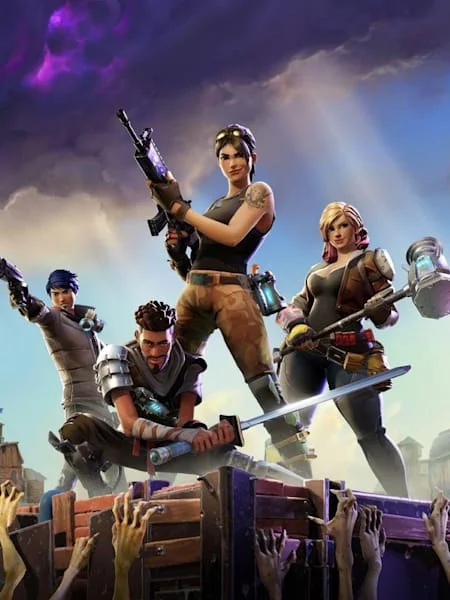
Fortnite FPS Calculator
Benchmarks, requirements & compatible hardware
Check expected FPS for Fortnite on your PC. Test different combinations of CPU, GPU and settings.
See expected FPS for your setup
Select your PC components and settings to get started.
Accurate Benchmarks
Real Hardware Data
Bottleneck Analysis
Best Settings Included
1,245+ calculations this month
Based on 1,200+ verified benchmarks
What will you get after calculating?
Unlock detailed performance insights and optimization tips.
FPS Estimate
Best Settings
Bottleneck Analysis
Upgrade Suggestions
🎮 Stay Updated on Fortnite
We publish optimization guides, graphics settings updates, FPS fixes, benchmark updates, and patch-performance reports.
Best GPUs for Fortnite
Click any GPU for a full Fortnite benchmark — FPS, settings context, and comparisons (opens in a new tab).
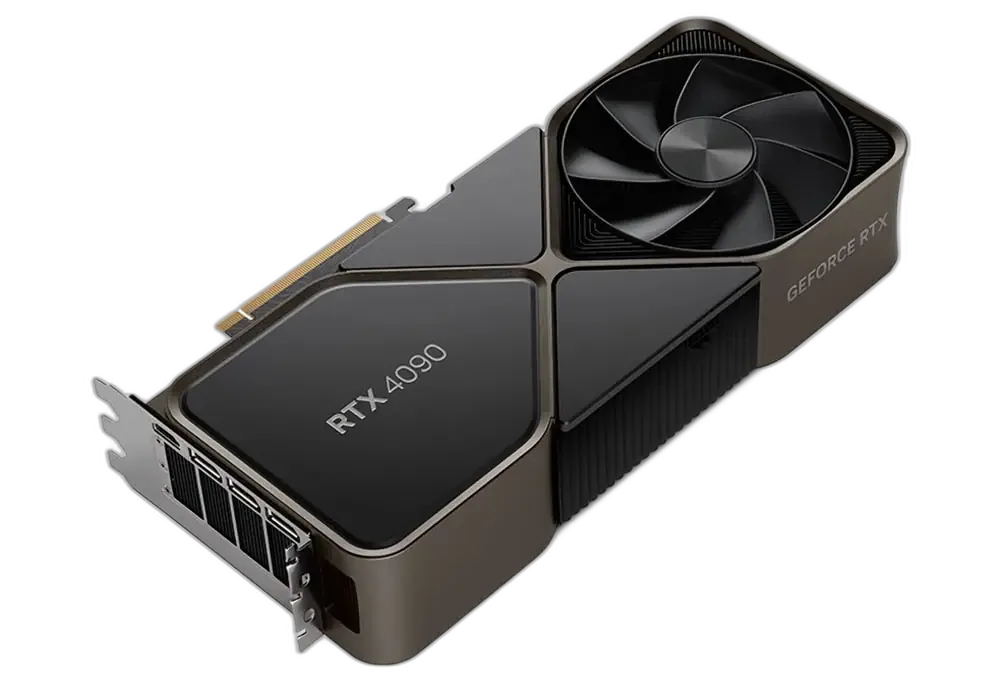
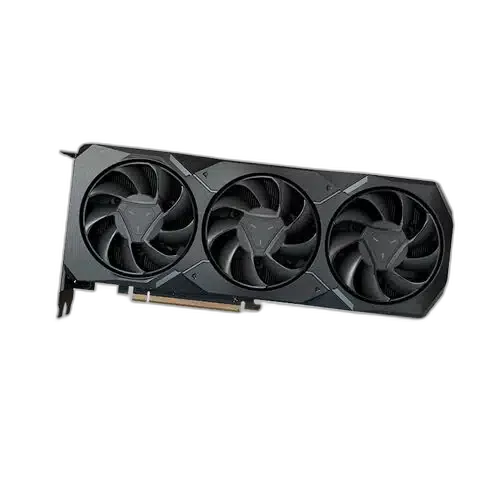
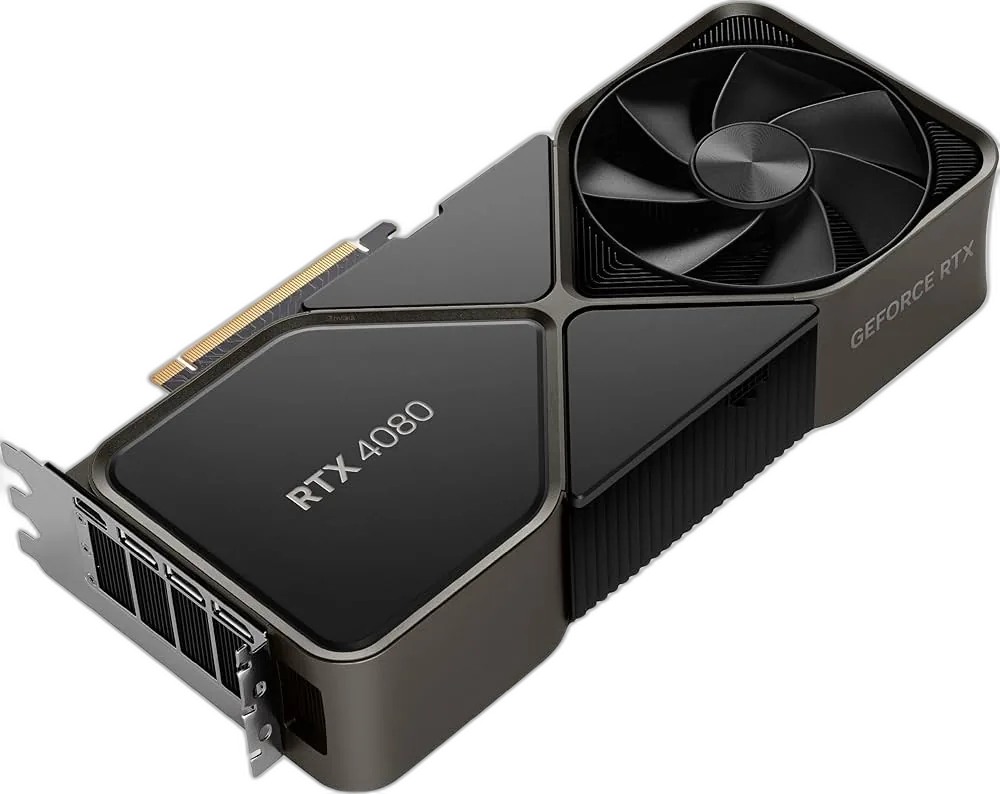
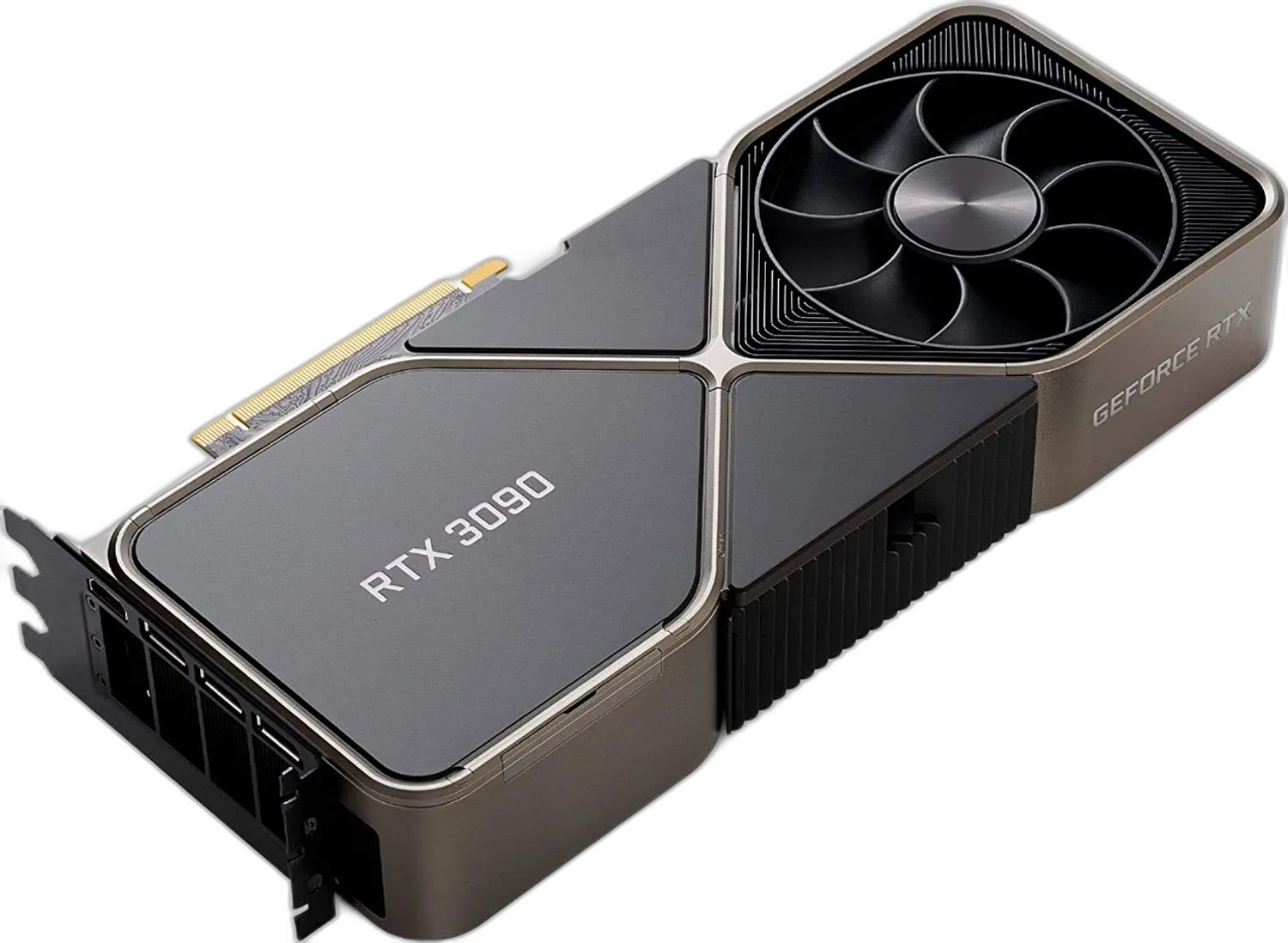
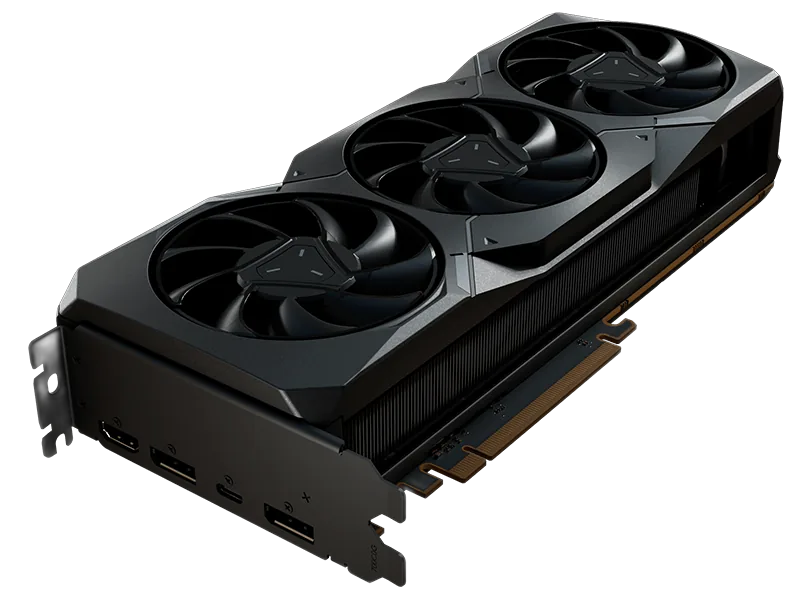
FPS at 1080p High Settings
Best CPUs for Fortnite
These CPUs are ranked for Fortnite — meet or beat the recommended tier for steadier frametimes when the game hits the processor.
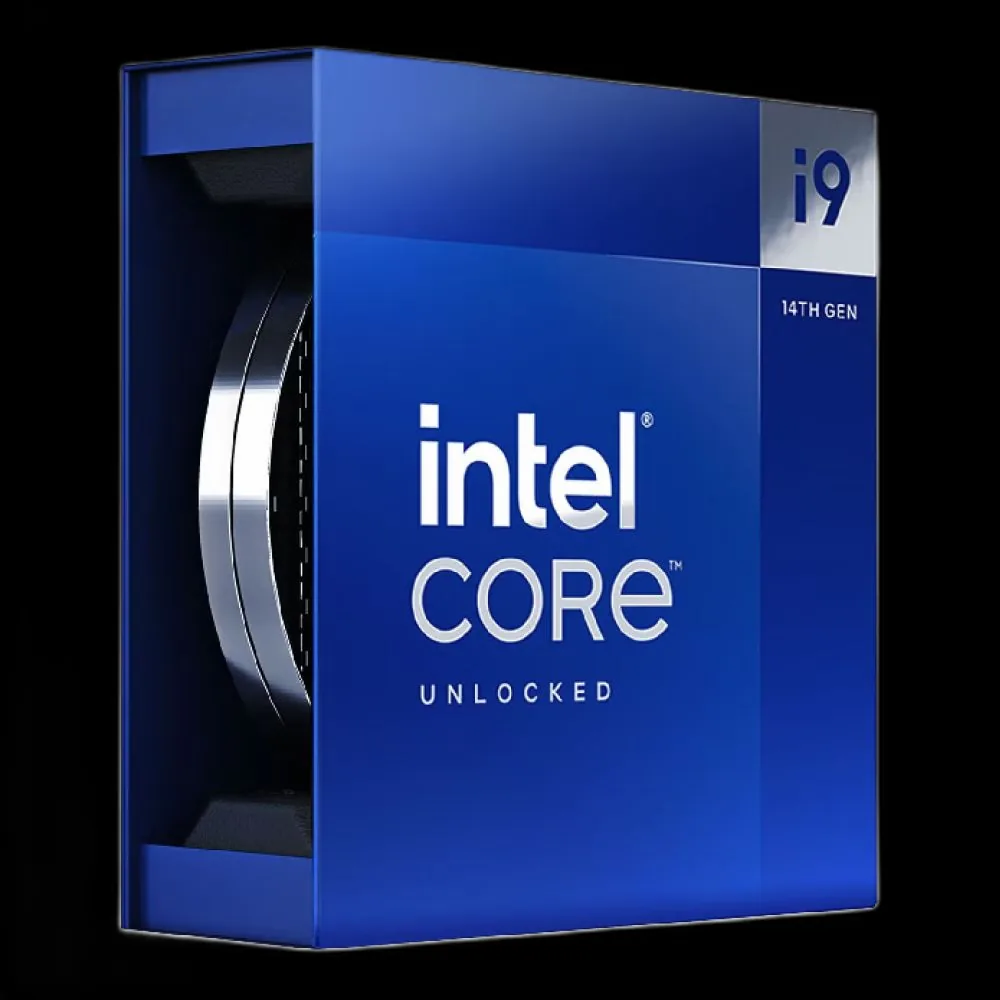
INTEL
Intel Core i9-14900K
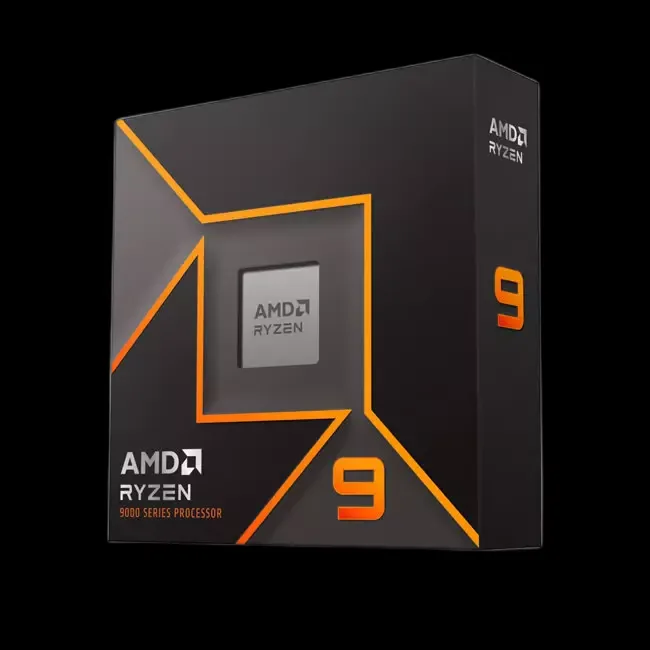
AMD
AMD Ryzen 9 7950X
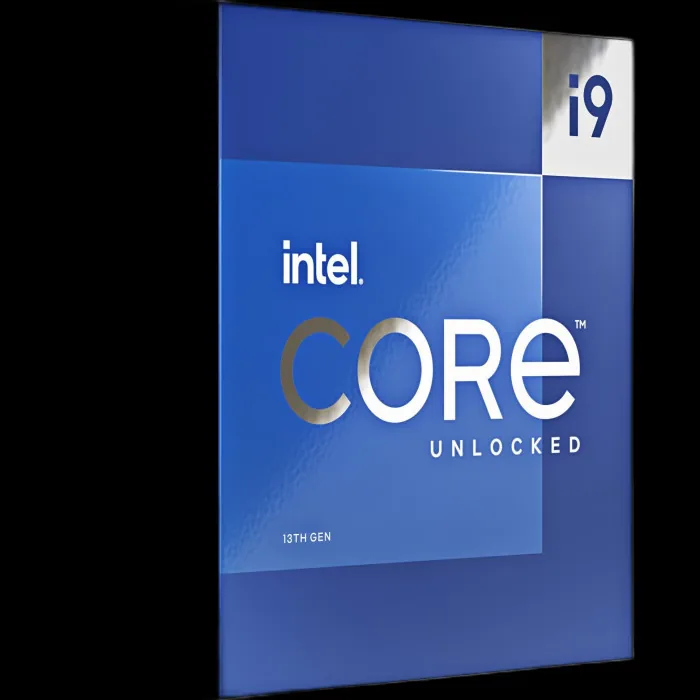
INTEL
Intel Core i9-13900K
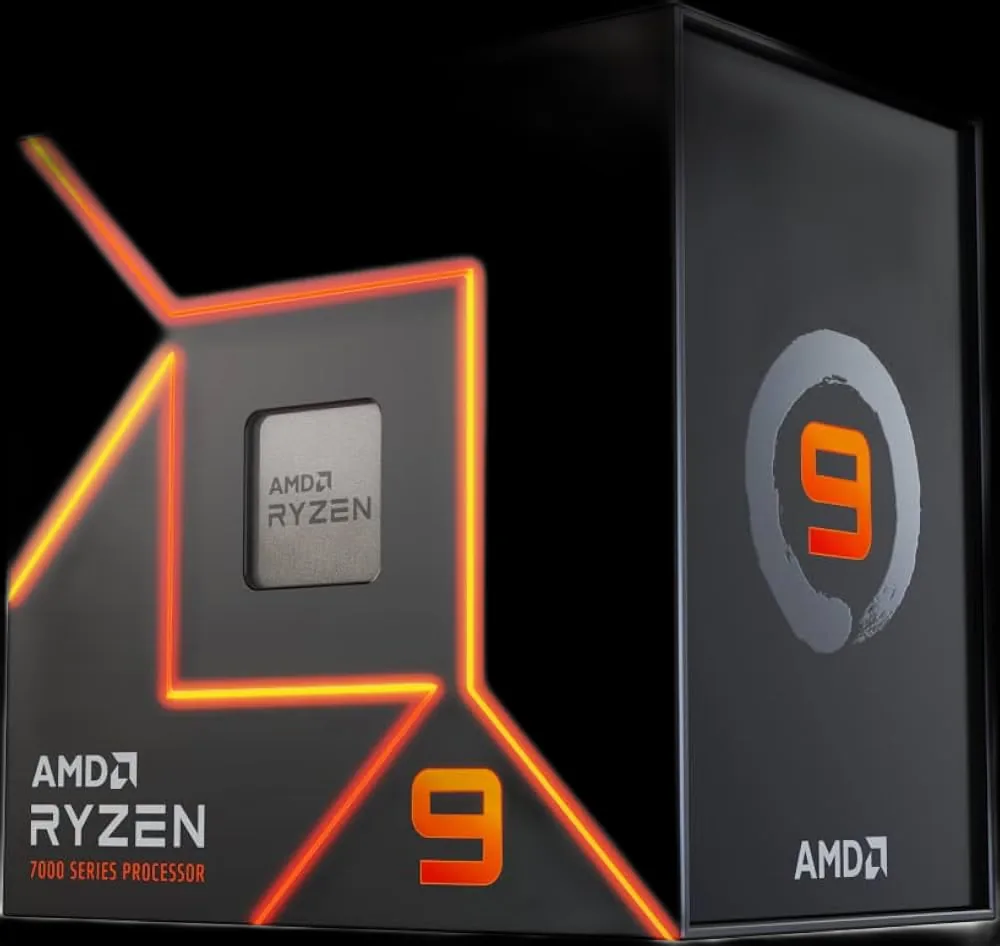
AMD
AMD Ryzen 9 7900X
Ranked by CPU performance score for this title
About Fortnite
Fortnite pairs its vibrant art style with an ever-evolving world, utilizing modern engine features to keep the island incredibly detailed and dynamic. To meet the minimum system demands, your PC should have a Intel HD 4000 on PC; ...
Genre
Battle royale
Developer
Epic Games
Game Mode
Single-player
Publisher
Epic Games
System Requirements
Minimum
OS
Windows 10 64-bit
CPU
Core i3-3225 3.3 GHz
RAM
8 GB RAM
GPU
Intel HD 4000 on PC; AMD Radeon Vega 8
Storage
30 GB available space
Recommended
OS
Windows 10/11 64-bit
CPU
Core i5-7300U 3.5 GHz, AMD Ryzen 3 3300U
RAM
16 GB RAM
GPU
Nvidia GTX 960, AMD R9 280
Storage
30 GB available space




Frequently Asked Questions
Fortnite pairs its vibrant art style with an ever-evolving world, utilizing modern engine features to keep the island incredibly detailed and dynamic. Your PC needs a CPU score of at least 50 and a GPU score of at least 45 to launch and play Fortnite. Because it is a competitive, high-frame-rate title, even mid-range hardware can deliver a playable experience — but reaching the frame rates that matter for ranked play requires meeting the recommended tier (CPU 70, GPU 70). Select your exact components in our FPS calculator to see your expected frame rate at each resolution and quality preset.
The minimum system requirements for Fortnite are: CPU — Core i3-3225 3.3 GHz; GPU — Intel HD 4000 on PC; AMD Radeon Vega 8; RAM — 8 GB RAM; Storage — 30 GB available space; OS — Windows 10 64-bit. While these specs will get you into the game, minimum-tier hardware will limit your frame rate well below the 140 FPS baseline most players target. In a competitive title, low FPS directly affects reaction time and hit registration feel — lowering resolution or switching to a performance graphics preset is often worth it to push frame rates higher even on older hardware.
Fortnite's recommended specifications are: CPU — Core i5-7300U 3.5 GHz, AMD Ryzen 3 3300U; GPU — Nvidia GTX 960, AMD R9 280; RAM — 16 GB RAM; Storage — 30 GB available space. At this hardware tier you should see stable performance at or above 140 FPS at 1080p, which is the baseline for smooth competitive play. If your monitor supports 144 Hz or higher, hardware that exceeds the recommended tier is advisable to consistently push past the display's refresh rate and gain the full reaction-time advantage. The FPS calculator shows projections at 1440p and 4K so you can plan for a future display upgrade.
For competitive Fortnite, the minimum comfortable target is 60 FPS, but most serious players aim for at least 140 FPS — matching typical high-refresh-rate monitors in the genre. At 144 FPS and above, perceived input lag drops noticeably and fast target tracking becomes more consistent. If your hardware is near the 140 FPS mark, prioritise frame time stability over the raw average: capping your frame rate just below the monitor refresh rate and disabling V-Sync reduces perceived delay. Our FPS calculator projects both average and estimated lower-bound frame rates so you can calibrate your settings.
Reaching 140 FPS in Fortnite consistently requires a GPU performance score of at least 70. The recommended card for this target is Nvidia GTX 960, AMD R9 280. At 1080p with competitive-oriented settings (lower textures, maximum frame rate priority), GPUs slightly below the recommended score can still maintain smooth play. Pushing 140+ FPS at 1440p demands a higher-tier card — a score of roughly 88 or more is advisable. The FPS calculator lets you filter every compatible GPU in our database by target frame rate.
Fortnite can be CPU-demanding in multiplayer, especially during large player-count matches where the engine simultaneously processes AI, physics, and network simulation. The minimum CPU score is 50 and the recommended is 70, equivalent to hardware like Core i5-7300U 3.5 GHz, AMD Ryzen 3 3300U. A CPU below the minimum can bottleneck even a powerful GPU, causing frame time spikes during intense moments. Running Windows in high-performance power mode and closing streaming or capture software can recover several frames on mid-range CPUs at no cost.
Questions about hardware? Browse all games →
Latest Fortnite News & Guides
View all newsAccurate & Reliable
Real hardware benchmarks
100% Free
No sign up required
Updated Daily
Latest drivers & patches
Trusted By Gamers
Loved by 1M+ users