
Fortnite Zero Build FPS Boost: Fix Performance & Win More
There is nothing worse than being caught in an open field near Restoration Rail, lining up a perfect Sniper shot, and having your screen hitch for a microsecond. In the fast-paced world of 2026, a potato PC or a poorly optimized rig will get you sent back to the lobby faster than you can say “Chug Splash.” If you want to stay competitive, you need a serious Fortnite zero build FPS boost to ensure your movement is fluid and your shots actually register.
Because Zero Build lacks the “cover-building” mechanic, your survival depends entirely on positioning and frame-perfect reactions. If your hardware is stuttering, you’re essentially playing with one hand tied behind your back. Let’s get your frames locked in.
The Diagnosis: Why Zero Build Is Stuttering
Even on high-end enthusiast rigs, Fortnite can feel “floaty.” This is usually down to how Unreal Engine 5 handles the massive, open terrain of the Zero Build maps.
-
CPU Bottleneck: High player density in late-game circles puts a massive strain on your processor’s single-core speed.
-
VRAM Overload: Using “Epic” textures on a GPU with limited VRAM causes the game to swap data to your slower system RAM, leading to those nasty stutters.
-
Shader Compilation: If you just updated your drivers, you’ll experience lag for the first few matches while the game builds its shader cache.
The Solutions for a Fortnite Zero Build FPS Boost
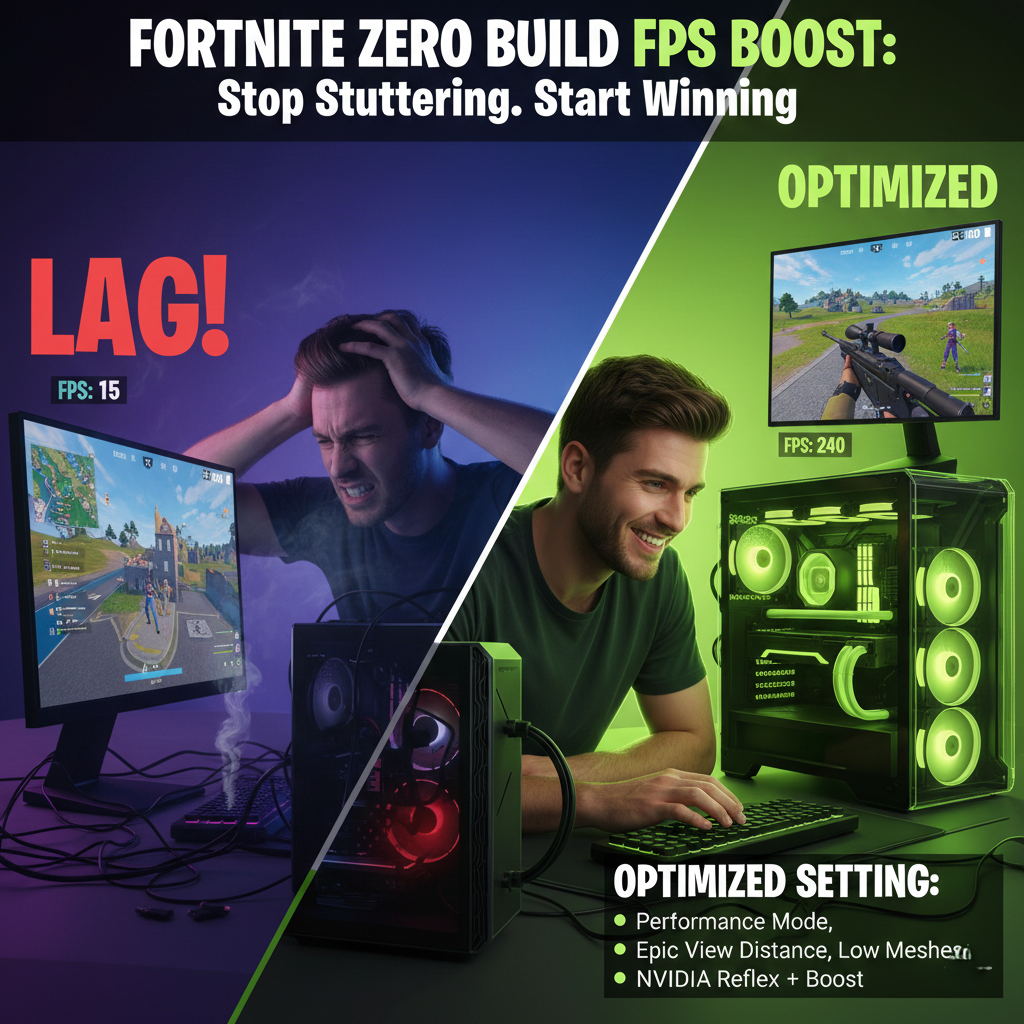
To get that buttery-smooth 240+ FPS, we need to move away from “cinematic” settings and embrace a competitive configuration.
Performance Mode (The Secret Weapon)
Target: 1080p or 1440p / 240+ FPS
For most enthusiasts, Performance: Lower Graphical Fidelity mode is the gold standard.
-
3D Resolution: Keep this at 100%. Dropping it makes the game too blurry for long-range Zero Build fights.
-
View Distance: Set to Epic. In Zero Build, seeing players and vehicles from a distance is a survival requirement.
-
Meshes: Set to Low (for the classic mobile look) or High if you want better visibility through certain objects.
Fixes for High-End GPUs (RTX 40-Series / RX 7000)
If you insist on using DX12 for better lighting, use these tweaks for a Fortnite zero build FPS boost:
-
Nanite Virtualized Geometry: Turn this OFF. It looks pretty but eats frames for breakfast.
-
Hardware Ray Tracing: Disable it. You don’t need accurate reflections to win a 1v1 in the jungle.
-
NVIDIA Reflex: Set to On + Boost to minimize input delay.
Hardware Specifics: Steam Deck & GTX 1650
If you’re playing on a Steam Deck or an older GTX 1650, use TSR (Temporal Super Resolution) set to “Recommended.” This provides a better image than FSR while still giving your GPU the breathing room it needs to maintain a stable 60 FPS.
Is Your Rig Actually Competitive?
Don’t guess if your hardware is up to the task. Use our specialized calculator to see exactly how many frames your specific components should be pumping out.
Check your performance now: Main Fortnite FPS Calculator Tool