 FPS Calculator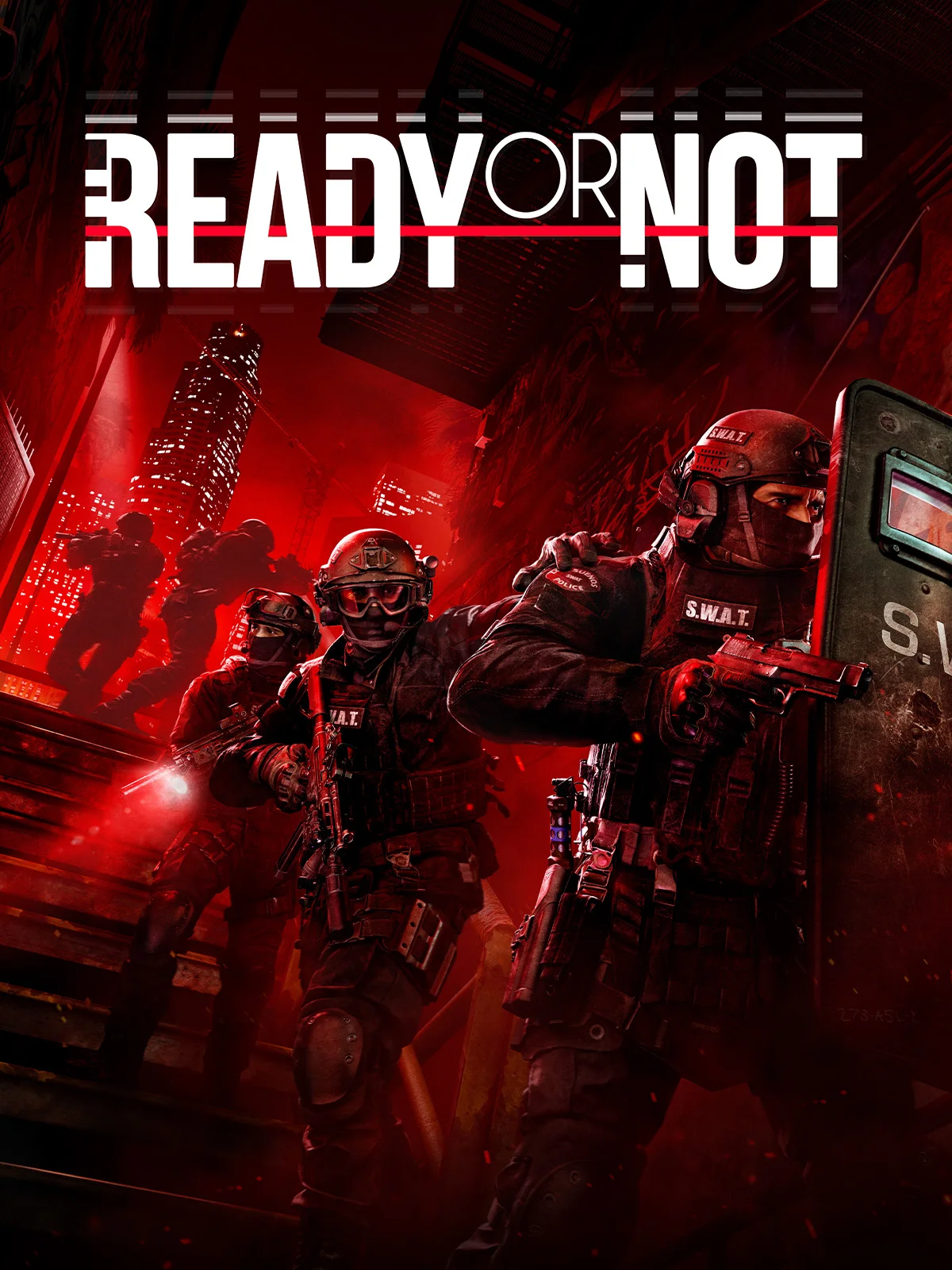
Can I Run Ready or Not on RTX 4070 Ti?
Ready or Not FPS Benchmark and Performance Analysis
Yes, NVIDIA GeForce RTX 4070 Ti can run Ready or Not. Expect roughly 80 FPS at 1080p high — smooth for most players. This page breaks down expected Ready or Not performance on NVIDIA GeForce RTX 4070 Ti at 1080p high, including 1440p scaling, optimization tips, and a settings guide.
Ready or Not FPS Benchmarks on RTX 4070 Ti
| Resolution | Settings Preset | Avg FPS | 1% Low FPS | Verdict |
|---|---|---|---|---|
| 1080p | Competitive (Low) | 100 FPS | 67 FPS | Good |
| 1080p | High | 80 FPS | 53 FPS | Good |
| 1440p | High | 59 FPS | 37 FPS | Playable |
| 1440p | Ultra | 44 FPS | 28 FPS | Low |
| 4K | High | 37 FPS | 22 FPS | Low |
Benchmarks are estimated by our performance engine. Actual results may vary.
Best Settings for Ready or Not on RTX 4070 Ti
- Display Mode
- Fullscreen
- Resolution
- 1920×1080
- V-Sync
- Disabled
- Texture Quality
- High
- Shadow Quality
- Medium
- Anti-Aliasing
- FXAA
- Effects Quality
- Medium
- Post-Processing
- Medium
- Ambient Occlusion
- Disabled
Performance Analysis
Our projection for Ready or Not on NVIDIA GeForce RTX 4070 Ti is about 80 FPS at 1080p high. At 1440p, that typically translates to around 59 FPS with similar quality targets. This places the card in the high tier for this title, with a smooth experience profile. NVIDIA GeForce RTX 4070 Ti provides smooth gameplay in Ready or Not, with enough headroom for visual tweaks.
Ready or Not is a tactical SWAT shooter built on Unreal Engine 4, requiring hardware capable of rendering detailed indoor environments while simulating complex AI behavior for suspects and hostages simultaneously. The CPU is stressed by demanding AI pathfinding and physics calculations across large maps, while the GPU handles high-fidelity lighting and texture work typical of UE4 titles. An SSD is recommended to reduce load times for the game's large, detail-rich mission maps.
NVIDIA GeForce RTX 4070 Ti supports DLSS 3 with Frame Generation in compatible titles. In games like Ready or Not that support it, Frame Generation can push perceived frame rates well beyond the base estimate above — particularly useful at 1440p where the GPU is more heavily loaded.
- Use a medium/high mix and prioritize stable frame times over peak FPS spikes.
- Ray tracing can be enabled with quality upscaling for a good visual/performance balance.
- Disable heavy post-processing options first for easy gains
Final take: NVIDIA GeForce RTX 4070 Ti offers a smooth result in Ready or Not, with the right settings profile.
Frequently Asked Questions
- Can Ready or Not run on 8 GB RAM for both minimum and recommended specs?
- Yes, Ready or Not requires only 8 GB RAM for both minimum and recommended configurations, making it accessible to a wide range of systems without needing a RAM upgrade.
- Does Ready or Not support AMD FSR or NVIDIA DLSS for performance boosts?
- Ready or Not includes support for NVIDIA DLSS and AMD FSR upscaling technologies, allowing players with lower-end GPUs to achieve smoother frame rates at higher resolutions by rendering at a lower internal resolution.