 FPS Calculator
Control FPS Calculator
Benchmarks, requirements & compatible hardware
Check expected FPS for Control on your PC. Test different combinations of CPU, GPU and settings.
See expected FPS for your setup
Select your PC components and settings to get started.
Accurate Benchmarks
Real Hardware Data
Bottleneck Analysis
Best Settings Included
1,245+ calculations this month
Based on 1,200+ verified benchmarks
What will you get after calculating?
Unlock detailed performance insights and optimization tips.
FPS Estimate
Best Settings
Bottleneck Analysis
Upgrade Suggestions
🎮 Stay Updated on Control
We publish optimization guides, graphics settings updates, FPS fixes, benchmark updates, and patch-performance reports.
Best GPUs for Control
Click any GPU for a full Control benchmark — FPS, settings context, and comparisons (opens in a new tab).
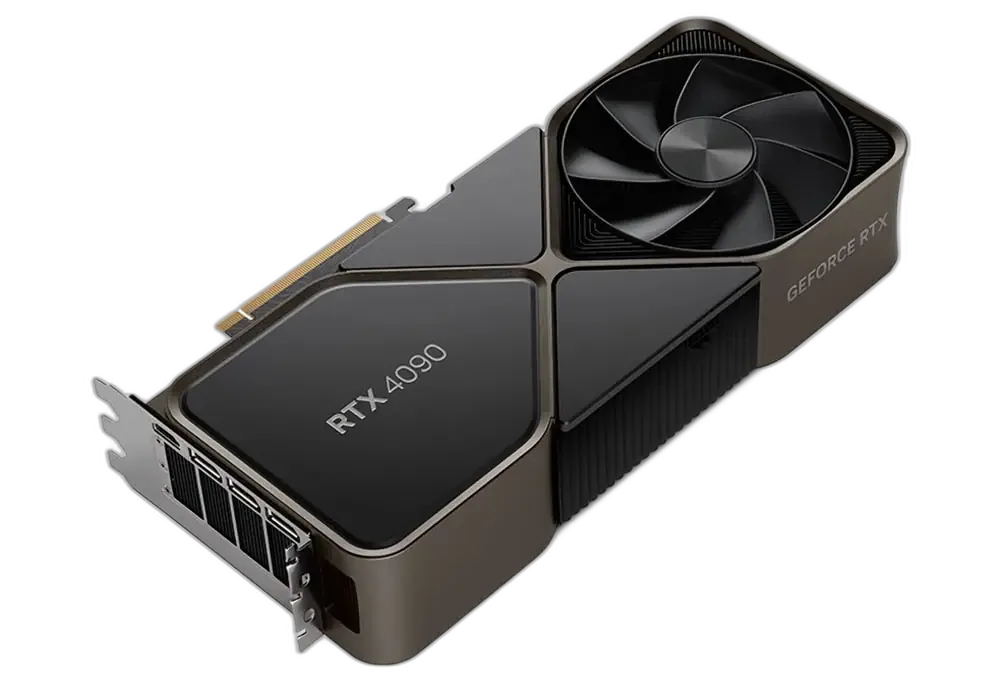
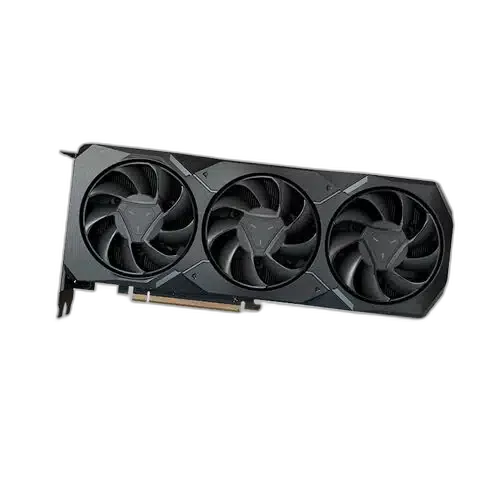
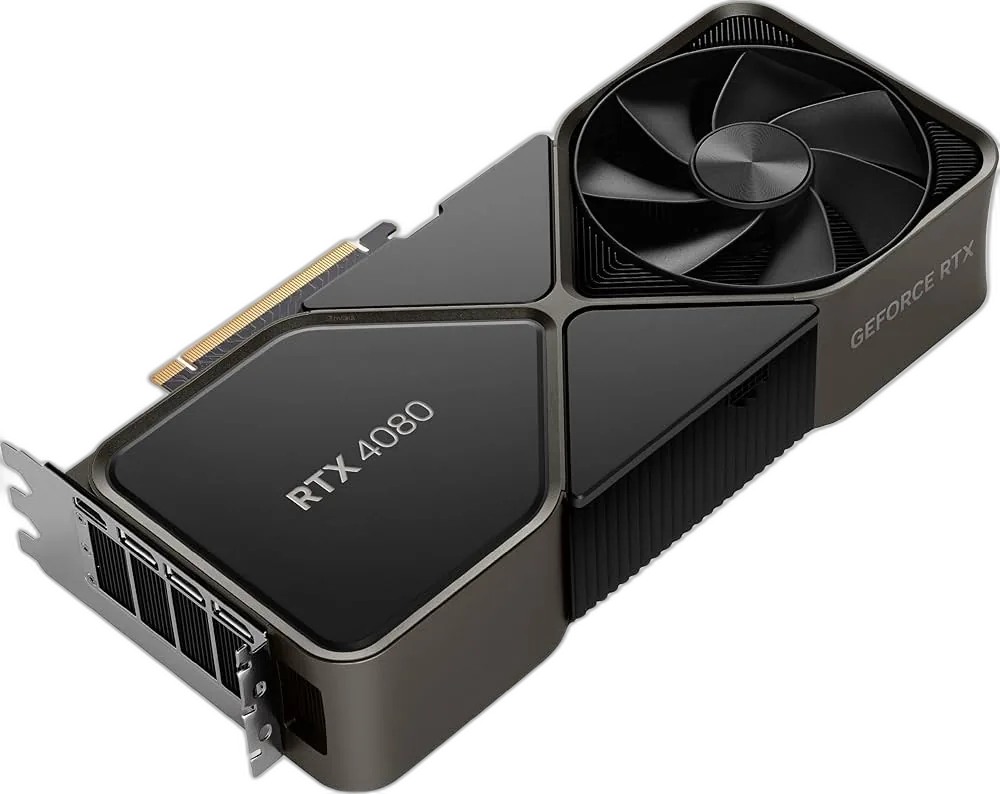
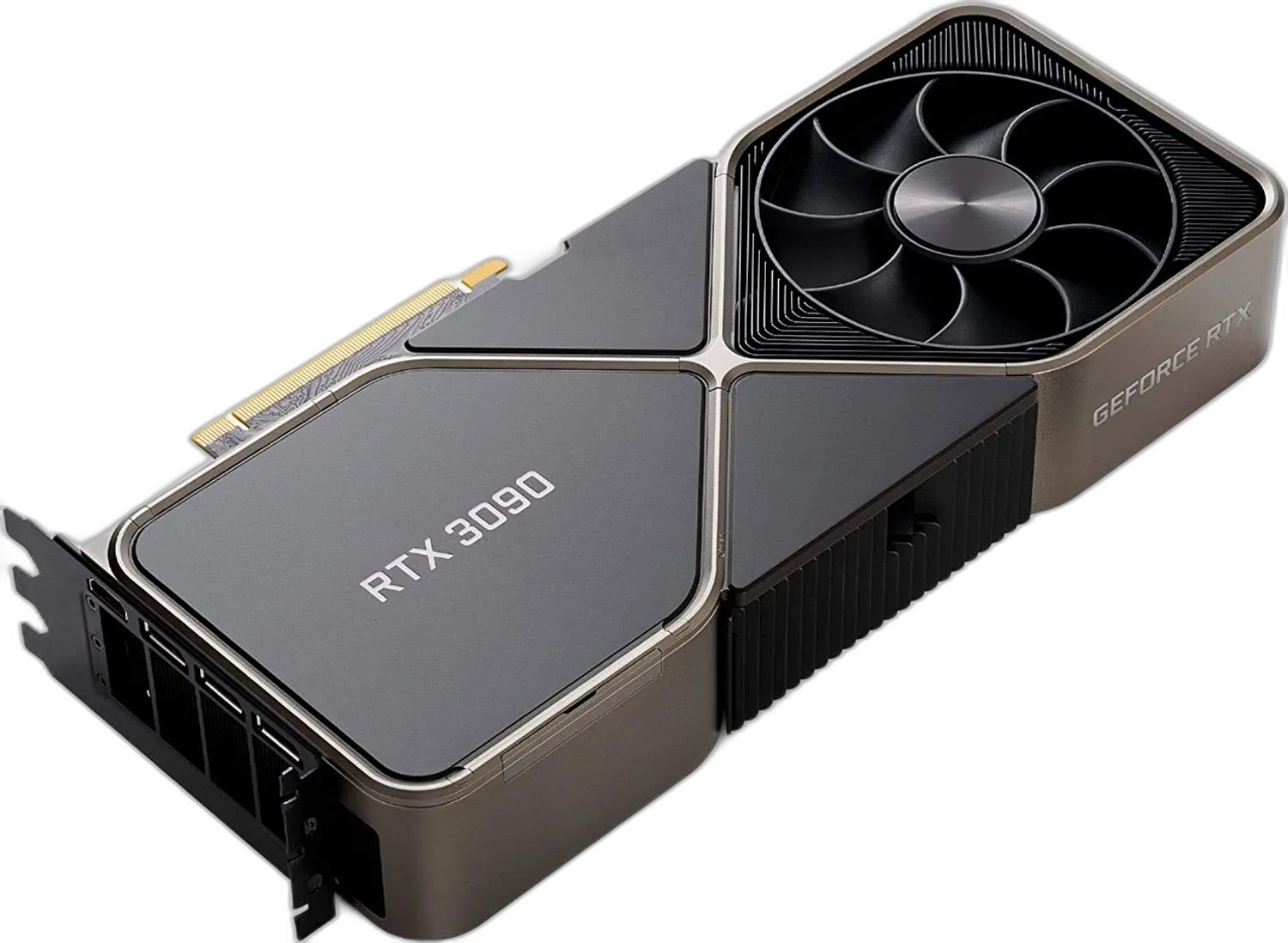
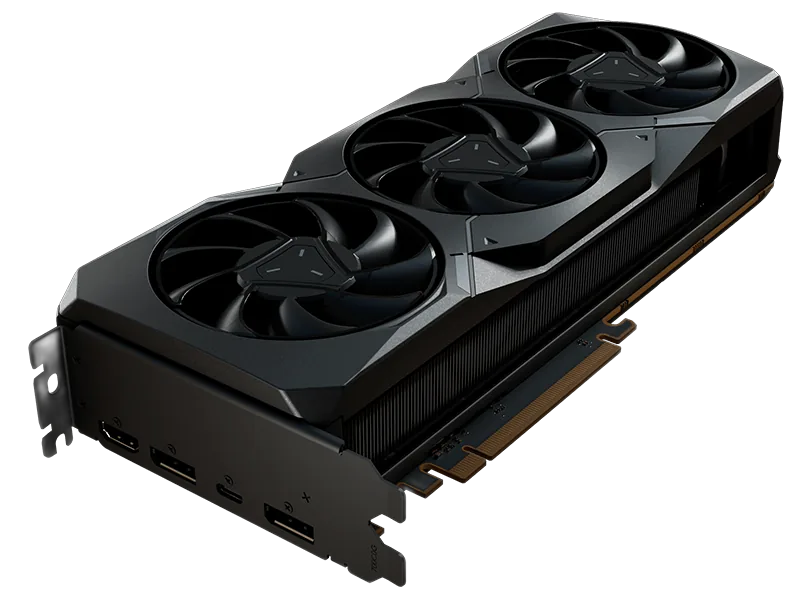
FPS at 1080p High Settings
Best CPUs for Control
These CPUs are ranked for Control — meet or beat the recommended tier for steadier frametimes when the game hits the processor.
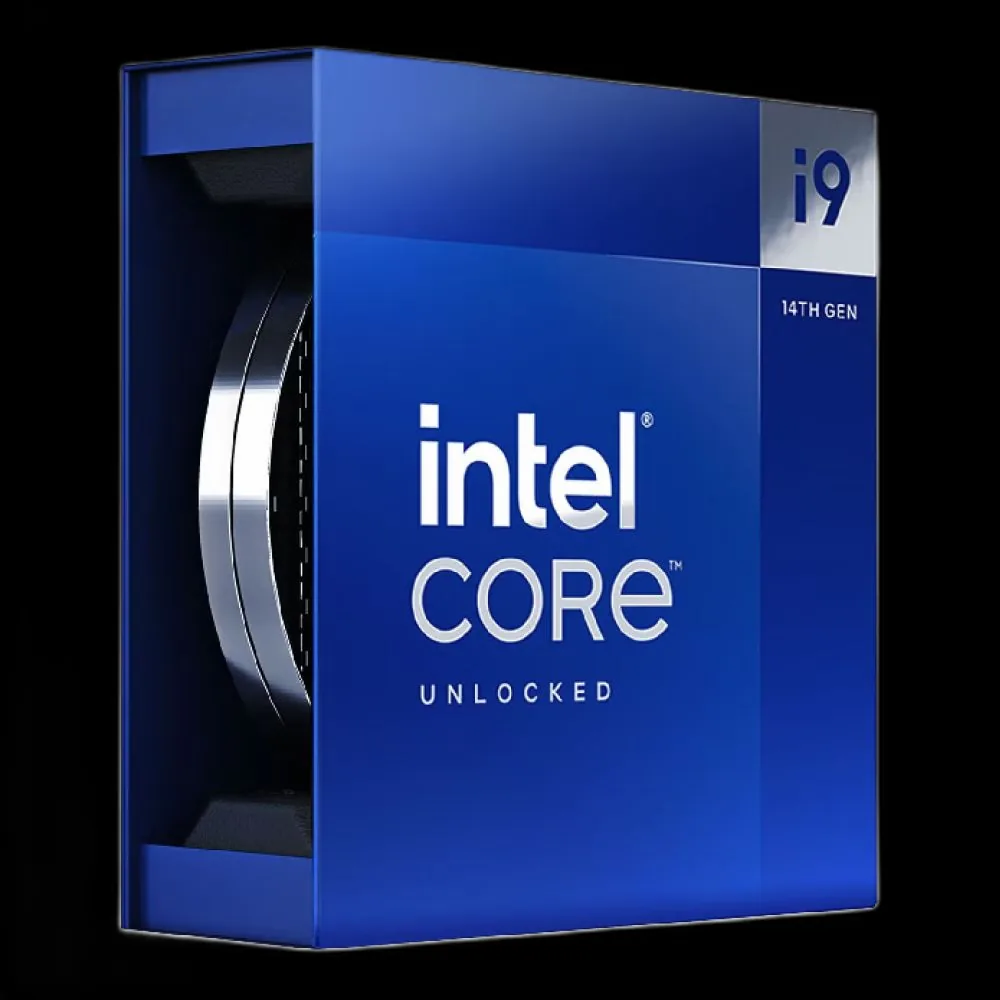
INTEL
Intel Core i9-14900K
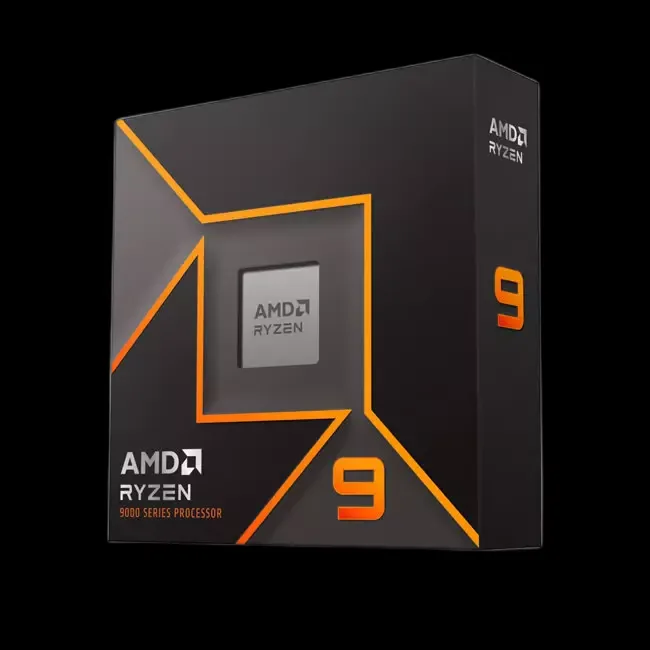
AMD
AMD Ryzen 9 7950X
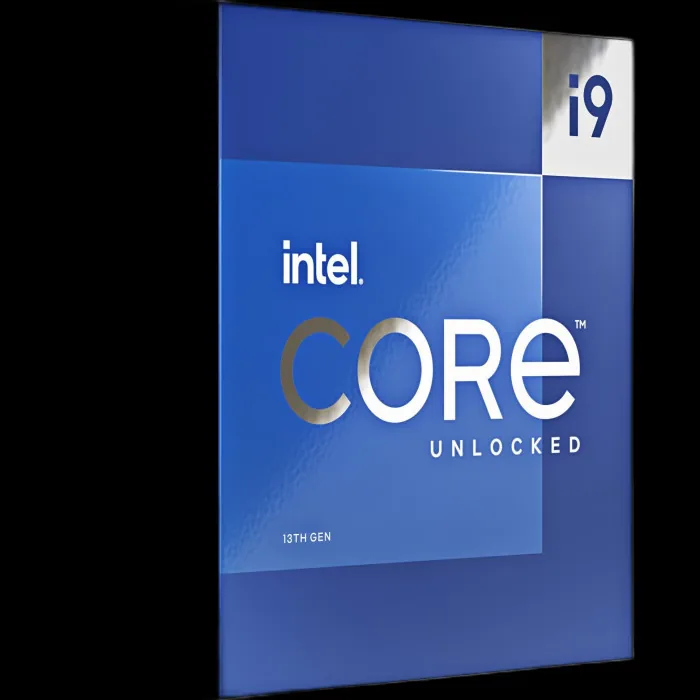
INTEL
Intel Core i9-13900K
AMD
AMD Ryzen 9 7900X
Ranked by CPU performance score for this title
About Control
Control uses Remedy's Northlight engine with advanced global illumination, real-time ray tracing support, and highly detailed destructible environments that place significant load on both CPU and GPU. The game's physics simulation...
Genre
Action-adventure
Developer
Remedy Entertainment
Game Mode
Single-player
Publisher
505 Games
System Requirements
Official store listingMinimum
OS
Windows 7 / Windows 10 64-bit
CPU
Intel Core i5-4690 / AMD FX 4350
RAM
8 GB RAM
GPU
NVIDIA GeForce GTX 780 / AMD Radeon R9 280X
Storage
42 GB
Recommended
OS
Windows 10 64-bit
CPU
Intel Core i5-8600K / AMD Ryzen 7 2700X
RAM
16 GB RAM
GPU
NVIDIA GeForce GTX 1080 Ti / AMD Radeon VII
Storage
42 GB SSD




Frequently Asked Questions
Control uses Remedy's Northlight engine with advanced global illumination, real-time ray tracing support, and highly detailed destructible environments that place significant load on both CPU and GPU. To run the game your PC must reach a CPU performance score of at least 35 and a GPU score of at least 28. As a visually intensive title, Control rewards hardware above the recommended threshold — particularly for ray tracing, high-resolution shadow maps, and ambient occlusion. At the recommended tier (CPU 68, GPU 78) expect around 60 FPS at 1080p on high settings. Enter your CPU and GPU in our calculator for a personalized estimate.
Control lists these minimum specifications: CPU — Intel Core i5-4690 / AMD FX 4350; GPU — NVIDIA GeForce GTX 780 / AMD Radeon R9 280X; RAM — 8 GB RAM; Storage — 42 GB; OS — Windows 7 / Windows 10 64-bit. At the minimum tier, expect the game to run at low or medium presets with frame rates around 30 FPS at 1080p. Demanding scenes — dense environments, complex lighting, or heavy particle effects — may dip below this. Disabling ray tracing and lowering shadow quality deliver the highest performance recovery on minimum-spec hardware.
For the best Control experience, the recommended specifications are: CPU — Intel Core i5-8600K / AMD Ryzen 7 2700X; GPU — NVIDIA GeForce GTX 1080 Ti / AMD Radeon VII; RAM — 16 GB RAM; Storage — 42 GB SSD. This hardware level targets smooth 60 FPS at 1080p on high settings with stable frame times. Enabling ray tracing, high-resolution shadow maps, and ambient occlusion simultaneously calls for a GPU above the recommended tier. If you are targeting 1440p on ultra presets, check our FPS calculator for the exact scores required.
On hardware meeting Control's recommended specifications, expect around 60 FPS at 1080p on high settings. Enabling ray tracing, ultra shadow resolution, or screen-space ambient occlusion can reduce that figure by 15–30% depending on your GPU. Minimum-spec hardware typically achieves 25–40 FPS at 1080p on low-to-medium presets. Moving to 1440p costs roughly 30% of your 1080p frame rate, and 4K approximately 50–60%. Enter your exact hardware in our FPS calculator for a personalized estimate across every quality preset.
For high graphics settings in Control at 1080p, your GPU needs a performance score of at least 78. The officially recommended card is NVIDIA GeForce GTX 1080 Ti / AMD Radeon VII, which targets 60 FPS at 1080p. Enabling ray tracing on top of high settings demands significantly more GPU headroom — plan for a score well above 78 if RT is a priority. For 1440p on high settings, a GPU scoring around 101 or better is advisable. The FPS calculator lists every compatible GPU ranked by expected performance for this title.
Control requires a CPU with a minimum performance score of 35 — roughly the level of Intel Core i5-4690 / AMD FX 4350 or better. For a smooth experience without CPU bottlenecks, target the recommended score of 68 (around Intel Core i5-8600K / AMD Ryzen 7 2700X). As a graphically rich title, it can stress the CPU in densely populated areas, complex physics sequences, or large set-piece moments. A CPU at the recommended score paired with 16 GB RAM ensures the processor does not throttle your GPU's potential output in those scenarios.
Questions about hardware? Browse all games →
Latest Control News & Guides
View all newsAccurate & Reliable
Real hardware benchmarks
100% Free
No sign up required
Updated Daily
Latest drivers & patches
Trusted By Gamers
Loved by 1M+ users