
Cyberpunk 2077 Ray Tracing Overdrive Requirements: Can Your PC Run It?
For over a decade, the ultimate question in PC gaming was, “But can it run Crysis?” Today, that torch has been passed. The new question is: “Can it run Cyberpunk 2077 Overdrive?” We are talking about the ultimate test for modern hardware. If you are wondering whether your PC can handle the incredible visual fidelity of Cyberpunk Ray Tracing Overdrive, you’ve come to the right place. Here are the brutal facts about the system requirements needed for Path Tracing in Night City.
This is not just “Ultra” settings. This is Path Tracing—a rendering technique so demanding it was previously reserved for Hollywood CGI render farms, not real-time gaming.
If you are wondering whether your rig can handle the most visually advanced game on the market, here are the brutal facts about the Cyberpunk 2077 Ray Tracing Overdrive requirements.
Path Tracing: The Core Technology of Ray Tracing Overdrive
Standard “Ray Tracing” (used in most games) acts like a hybrid. It uses traditional rasterization for most things and then adds ray-traced reflections or shadows on top.
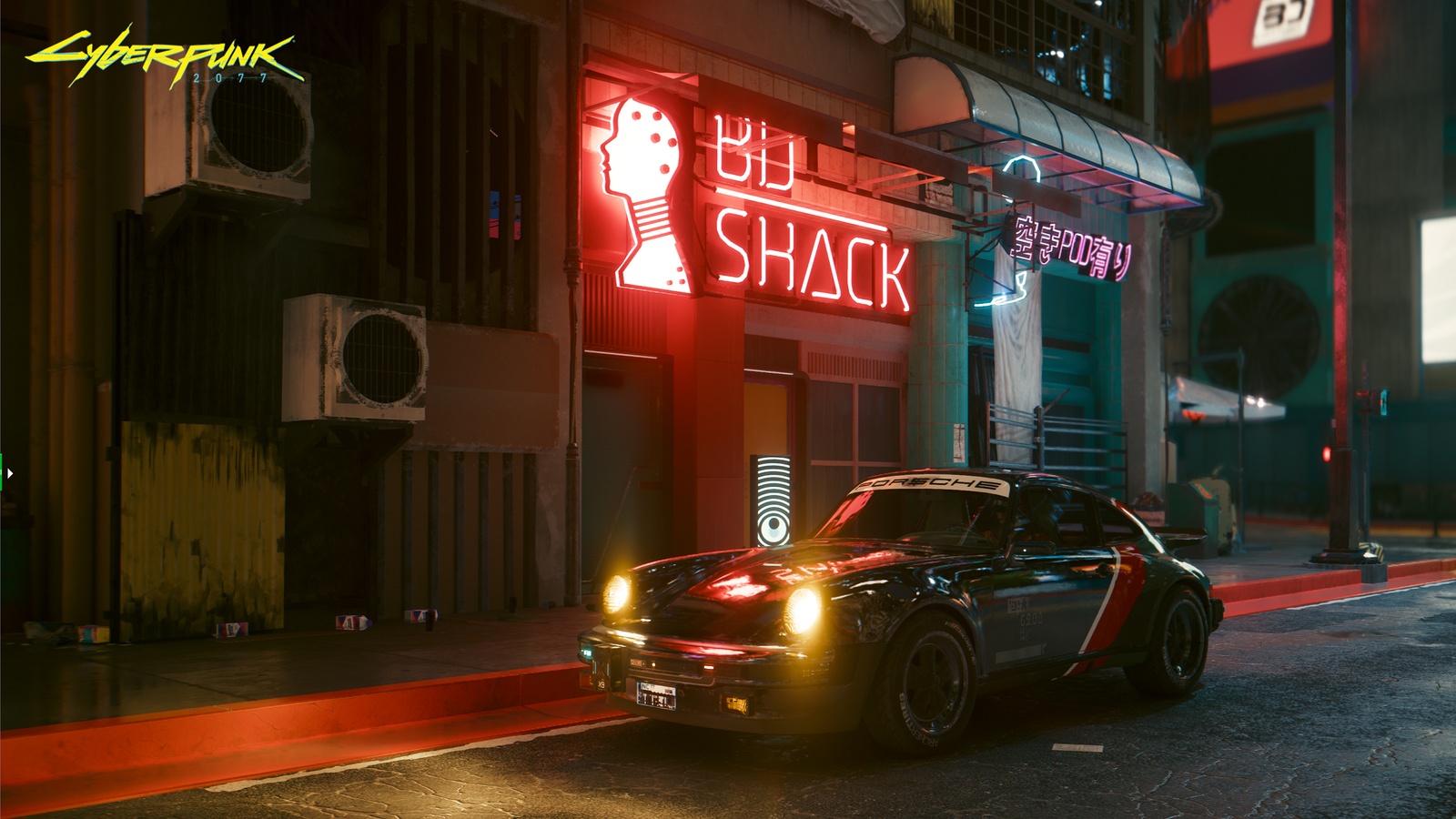
Overdrive Mode is different. It uses Full Path Tracing. This means virtually every light source in Night City casts physically accurate soft shadows, colored lighting bounces off surfaces (Global Illumination), and reflections are perfect mirrors of the world.
The result is photorealism. The cost is your GPU melting.
Official Requirements for Cyberpunk Ray Tracing Overdrive
CD Projekt Red does not sugarcoat this. To run Overdrive Mode at a playable framerate, you essentially need the latest generation of hardware.
Target: 4K Resolution / 60 FPS (With DLSS Frame Gen)
-
OS: Windows 10/11 (64-bit)
-
Processor: Intel Core i9-12900 or Ryzen 9 7900X
-
Graphics Card: NVIDIA GeForce RTX 4080 (16GB) or higher
-
RAM: 24 GB
-
Storage: 70 GB NVMe SSD
Target: 1080p Resolution / 30 FPS
-
Graphics Card: NVIDIA GeForce RTX 3090 (24GB)
Note: You read that correctly. The powerful RTX 3090 is only officially recommended for 1080p at 30fps when Overdrive is active. This is because the RTX 30-series lacks DLSS Frame Generation.
The Reality: RTX 40-Series vs. RTX 30-Series
This is where the hardware divide happens.
1. The RTX 40-Series Advantage (Frame Gen)
If you own an RTX 4070 Ti, 4080, or 4090, you have a secret weapon: DLSS 3 Frame Generation.
Path Tracing is so heavy that even an RTX 4090 might dip to 40fps natively at 4K. Frame Gen inserts AI frames between real frames, boosting that 40fps to a smooth 80-90fps. Overdrive was literally built with this tech in mind.
2. The RTX 30-Series Struggle
If you have an RTX 3080 or 3090, you can turn Overdrive on, but you will need to rely heavily on DLSS Super Resolution (set to “Performance” or “Ultra Performance”). You will get the beautiful lighting, but the game may feel sluggish because you cannot generate those extra AI frames.
Why DLSS 3.5 is Essential for Ray Tracing Overdrive
Whether you are on a 30-series or 40-series card, if you turn on Overdrive, you must enable Ray Reconstruction.
This feature replaces the old “denoisers” with an AI model that cleans up the image.
-
Without it: Reflections look “fizzy” and blurry.
-
With it: Reflections are sharp, and ghosting is reduced.
-
Performance Cost: Surprisingly low. In many cases, it actually improves FPS slightly while looking significantly better.
Is Your PC Ready for the Future?
Ray Tracing Overdrive is a glimpse into the future of gaming graphics. It requires a massive amount of VRAM and raw compute power. If you try to run this on an RTX 3070 with 8GB of VRAM, you will likely crash to the desktop.
Don’t risk melting your GPU.
Before you toggle that switch, check your official Ray Tracing Score on our calculator. We can tell you if your specific CPU and GPU combo will result in a playable experience or a slideshow.
More Cyberpunk 2077 Performance Guides Optimizing Night City is a challenge for every setup. Check out our other guides for specific hardware:
-
Cpu Bottlenecks: How to Fix 100% CPU Usage & Stuttering
-
Handhelds: Steam Deck vs. ROG Ally: Best Settings for Phantom Liberty
-
Older PCs: HDD Mode Explained: How to Fix Audio Lag