
CS2 Minimum Specs for Competitive Play: Fix Your Lag & Dominate
Stop me if this sounds familiar: you’re holding a tight angle on Mirage, the execute starts, three smokes pop simultaneously, and your FPS tank harder than a “silver” in a pro lobby. If you’re trying to climb the Premier ranks in 2026, playing on a potato PC isn’t just a handicap—it’s a death sentence.
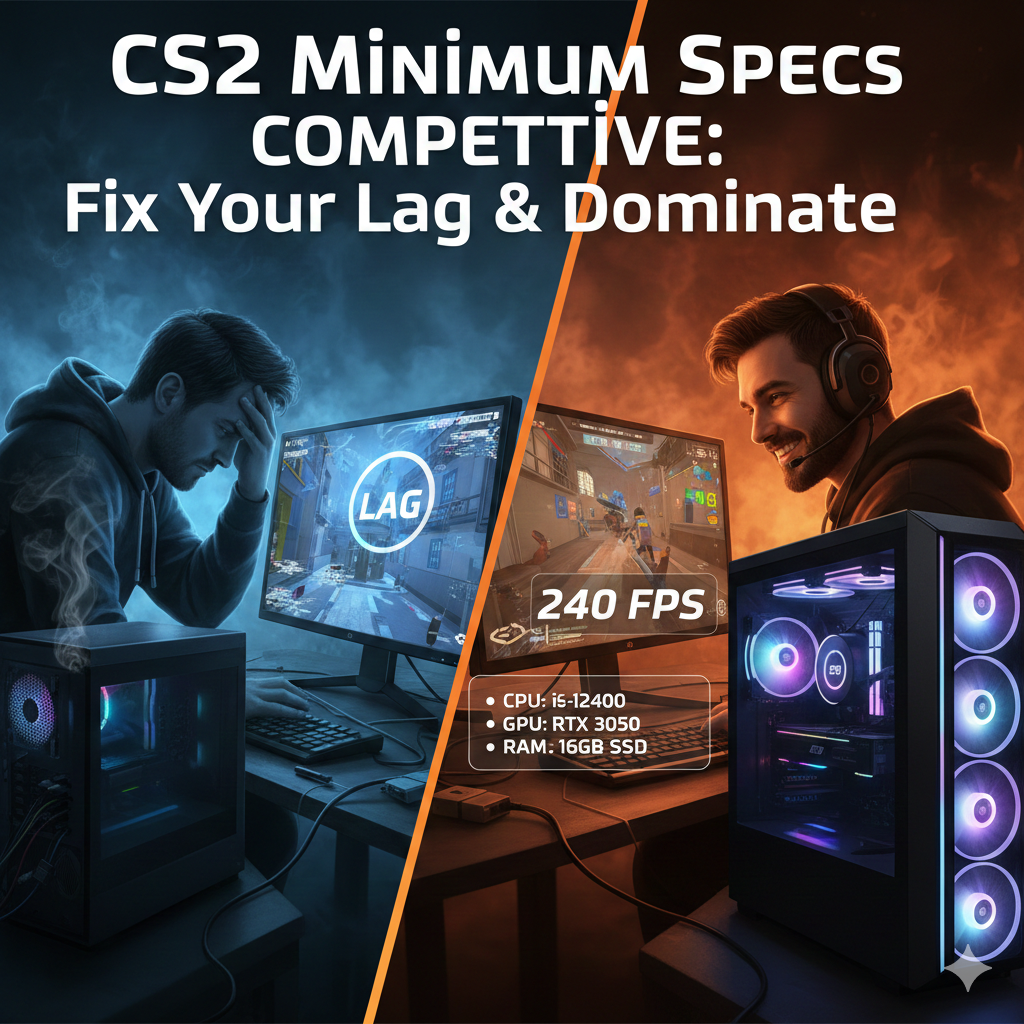
To actually click heads, you need more than just the “bare minimum” to launch the game; you need the CS2 minimum specs for competitive play. This means hitting a frame rate that matches your monitor’s refresh rate without the soul-crushing micro-stuttering that ruins your sprays.
The Diagnosis: Why Your FPS Is Flatlining
The jump to Source 2 changed the game. Unlike the old days of CS:GO where a toaster could hit 300 FPS, Counter-Strike 2 is a greedy beast that loves VRAM and high-speed CPU cycles.
-
The Volumetric Smoke Tax: Those fancy new smokes are fully 3D and react to lighting. This puts a massive GPU bottleneck on older cards.
-
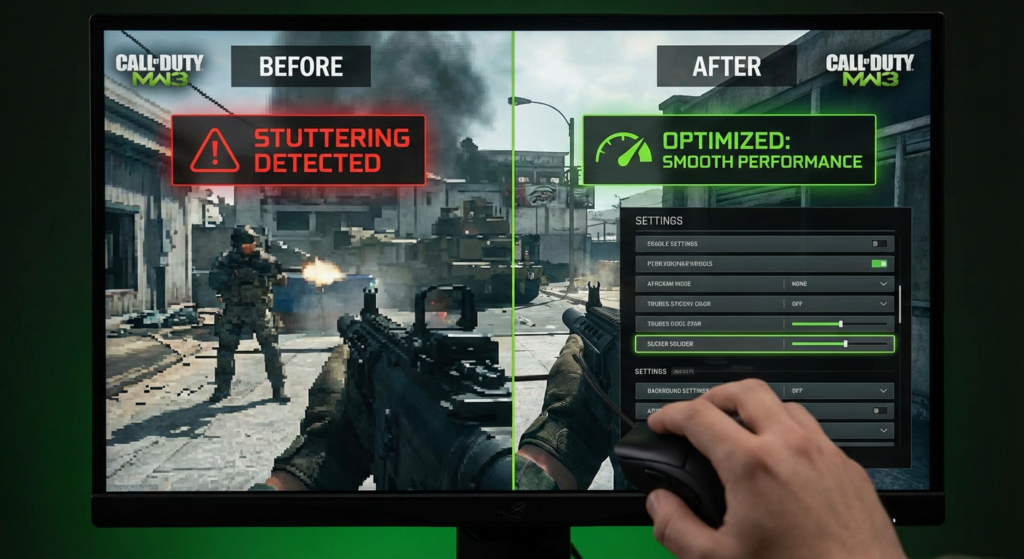
CPU Frame Times: CS2 is sensitive to “1% lows.” If your CPU can’t keep up, you’ll experience “choppy” movement even if your average FPS looks okay.
-
The HDD Trap: If you’re still running the game off a mechanical hard drive, enjoy those 2-minute load times and mid-match hitches.
CS2 Minimum Specs for Competitive Play (2026 Edition)
To play at a high level, we aren’t looking for “playable.” We are looking for stable. Here is the hardware baseline you need to stop being a liability to your team.
Target: 1080p / 144+ FPS (The Competitive Baseline)
| Component | Minimum for Competitive | Why it matters |
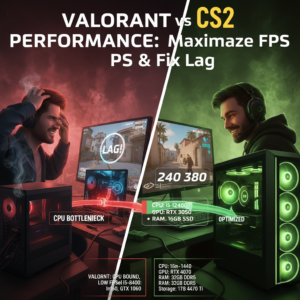
| CPU | Intel Core i5-12400 / Ryzen 5 5600 | Keeps frame times consistent during executes. |
| GPU | NVIDIA GTX 1660 Super / RTX 3050 | Handles volumetric smokes at 1080p. |
| RAM | 16GB DDR4 (Dual Channel) | 8GB causes major stuttering in 2026. |
| Storage | 100GB NVMe SSD | Essential for fast map loading and asset streaming. |
Pro Tip: If you’re on a budget, look for an AMD Ryzen 5 7500F paired with an RTX 4060. It’s the current “sweet spot” for hitting 240+ FPS without breaking the bank.
Optimization Guide: Competitive Settings
If your hardware is on the edge, these settings are your best friend.
Advanced Video Settings
-
Boost Player Contrast: Enabled (Non-negotiable for visibility).
-
Global Shadow Quality: Medium or High. Note: Setting this to Low removes player shadows around corners—don’t do it!
-
Model / Texture Detail: Medium (Keeps skins looking crisp without the lag).
-
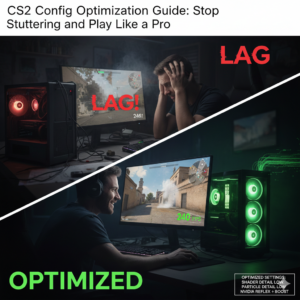
Shader Detail: Low (Massive FPS gain).
-
Particle Detail: Low.
-
NVIDIA Reflex Low Latency: Enabled + Boost.
Handheld & Low-End Tweaks (Steam Deck / GTX 1650)
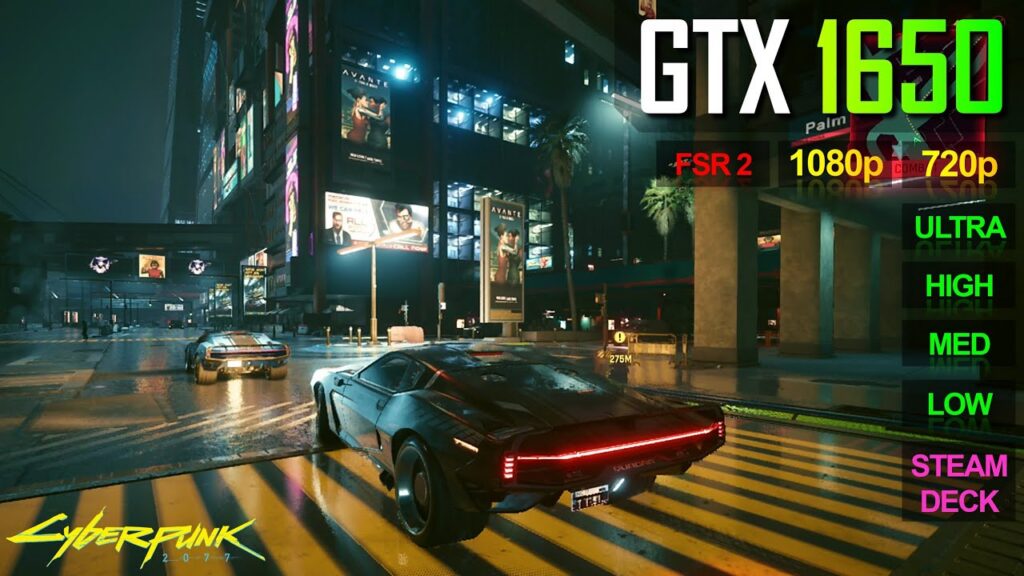
If you’re playing on a Steam Deck or an older GTX 1650, use FidelityFX Super Resolution (FSR) set to “Quality.” It will upscale the image, giving your GPU some breathing room while keeping the game sharp enough to spot snipers.
How Does Your Rig Compare?
Not sure if your current setup is the reason you’re stuck in Silver? Use our tool to see exactly how many frames you’ll get.
Check your performance now: Main CS2 FPS Calculator Tool