
Apex Legends lags on high-end PCs mainly due to three causes: the modified Source Engine choking on framerates above ~300 FPS or high-polling-rate mice (4000Hz+), leftover DX12 beta launch options conflicting with the current renderer, and undersized Nvidia shader cache forcing texture re-loads mid-fight. Capping FPS, lowering mouse polling to 1000Hz, and expanding shader cache resolves most cases.
You’ve got an RTX 4090. You’ve got a Ryzen 7 7800X3D. Your rig costs more than a used Honda Civic, yet Apex Legends lagging on PC is still ruining your ranked matches.
It’s infuriating. You drop into Olympus, and instead of buttery smooth 240FPS, you get micro-stutters, erratic frametimes, and input delay that makes you feel like you’re playing in molasses.
Here’s the hard truth, legends: having a “god-tier” PC doesn’t immune you from the quirks of the Source Engine. In fact, high-end hardware often exposes engine bottlenecks that older PCs never hit.
If you’re tired of potato performance on a beast machine, here is exactly how to fix it.
The Diagnosis: Why Good PCs Stutter
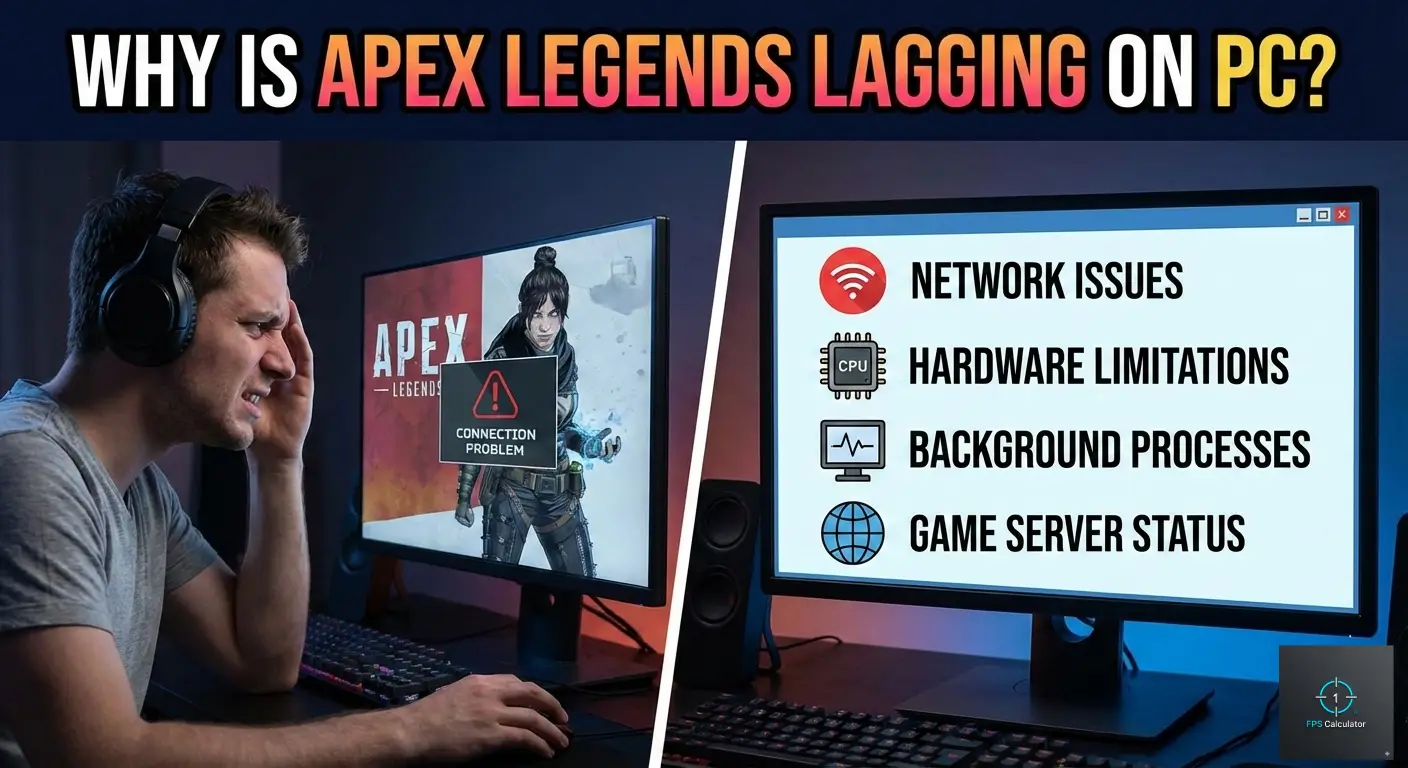
It’s not your hardware’s fault—it’s how the game handles it. When Apex Legends is lagging on a high-end PC, it’s usually due to one of three things:
-
Engine Bottlenecks: The modified Source Engine Apex runs on starts screaming if you push it past ~300 FPS or feed it too much mouse data (8K polling).
-
DX12 Bloat: Old beta launch options from previous seasons are now causing conflicts with the current default renderer.
-
Shader Caching: Nvidia drivers sometimes cap the shader cache too small, forcing the game to “re-learn” textures mid-fight, causing stutters.
The Solutions: Optimization Guide for Enthusiasts
Don’t just turn settings to “Low.” That shifts the load to your CPU and might actually make things worse on a high-end GPU. Use these targeted fixes instead.
1. The “Clean Slate” Launch Options
Many enthusiasts are still running old DX12 beta commands (like -eac_launcher_settings) that are now obsolete and cause crashes or stutters. Respawn has made DX12 standard/native for most.
The Fix:
-
Open Steam or EA App.
-
Right-click Apex Legends > Properties.
-
Clear everything in the Launch Options box except for the essentials.
- Add only this clean string:+fps_max 0 -dev -novid(Note: +fps_max 0 unlocks the engine cap so we can manage it properly externally or in-game).
2. The 8KHz Mouse Trap
If you have a Razer Viper 8K, Logitech Superlight 2, or any modern mouse, you might be running at 4000Hz or 8000Hz polling rate. Apex Legends cannot handle this. The engine gets flooded with input data, causing your CPU usage to spike and the screen to freeze when you flick.
Target Setting:
-
Open your mouse software (Synapse/G-Hub).
-
Drop Polling Rate to 1000Hz.
-
Test a match. The difference in smoothness is often instant.
3. Expand Your Shader Cache (Nvidia)
Micro-stutters when entering new areas or during the first shot of a fight? Your shader cache is likely full or overwriting itself.
The Fix:
-
Open Nvidia Control Panel.
-
Go to Manage 3D Settings > Global Settings.
-
Find Shader Cache Size.
-
Set it to Unlimited (or 10GB if you’re low on drive space).
-
Hit Apply and restart your PC.
4. Cap Your Framerate (Crucial)
Apex’s frametimes get erratic if you let them run wild above 240-300 FPS. Stability wins fights, not peak numbers.
Target: Monitor Refresh Rate – 3
-
If you have a 144Hz monitor, cap at 141.
-
If you have a 240Hz monitor, cap at 237.
You can do this via RTSS (RivaTuner) for the cleanest frametimes, or add +fps_max 237 to your launch options if you prefer the built-in limiter.
Still not hitting your target frames? You might need to check if your specific combination of CPU and GPU is creating a hardware bottleneck.
Use our calculator to see exactly what FPS your rig should be getting in Apex Legends.
Lag on a high-end PC is usually a configuration error, not a hardware failure. By lowering your mouse polling rate to 1000Hz, clearing old launch options, and increasing your shader cache, you should eliminate those micro-stutters for good.
Now get back in the dropship, Legend. You’ve got no excuses left.